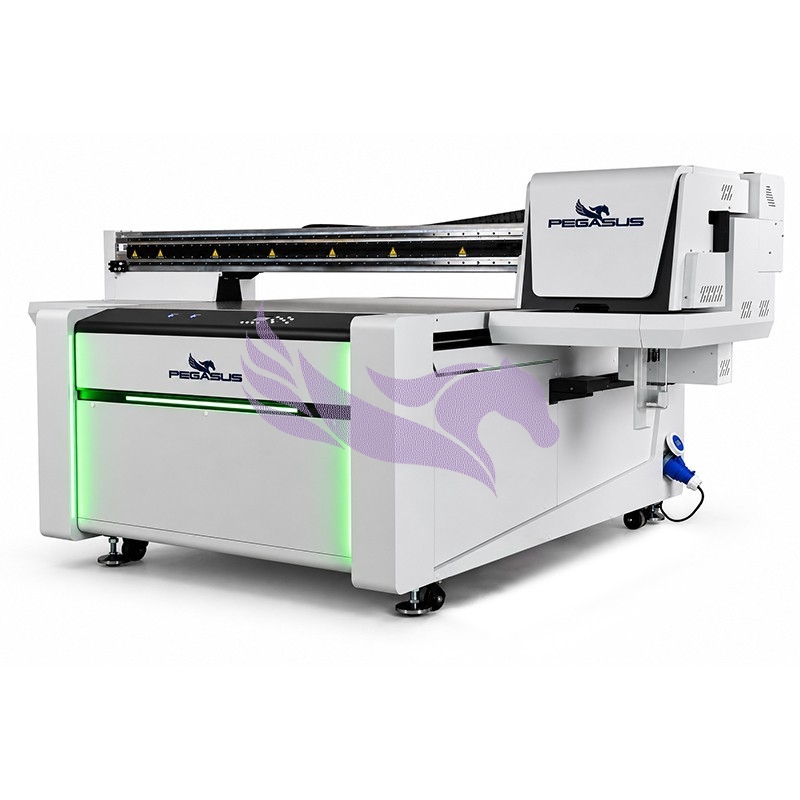

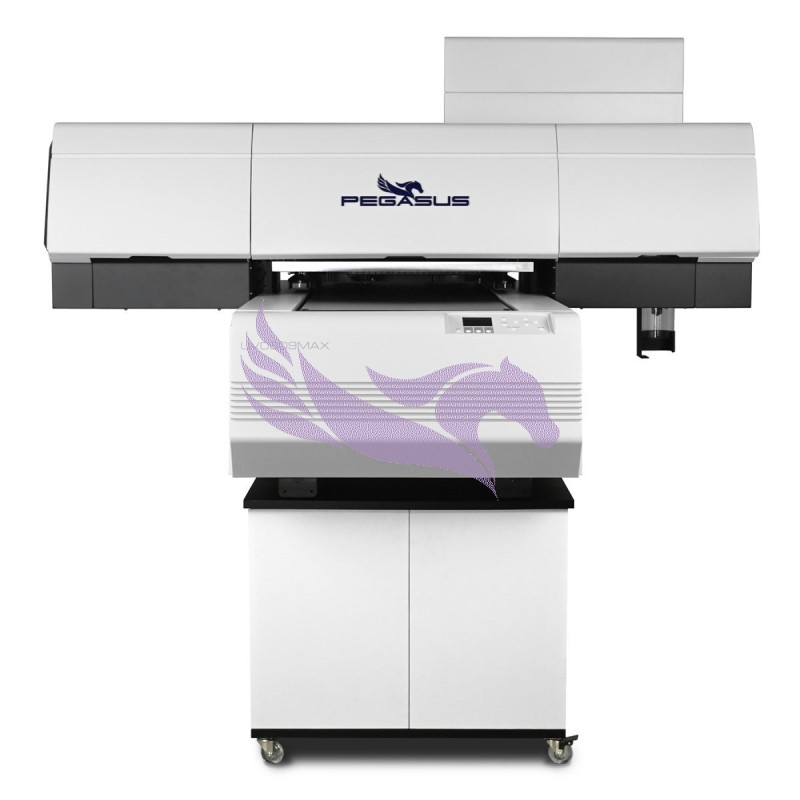
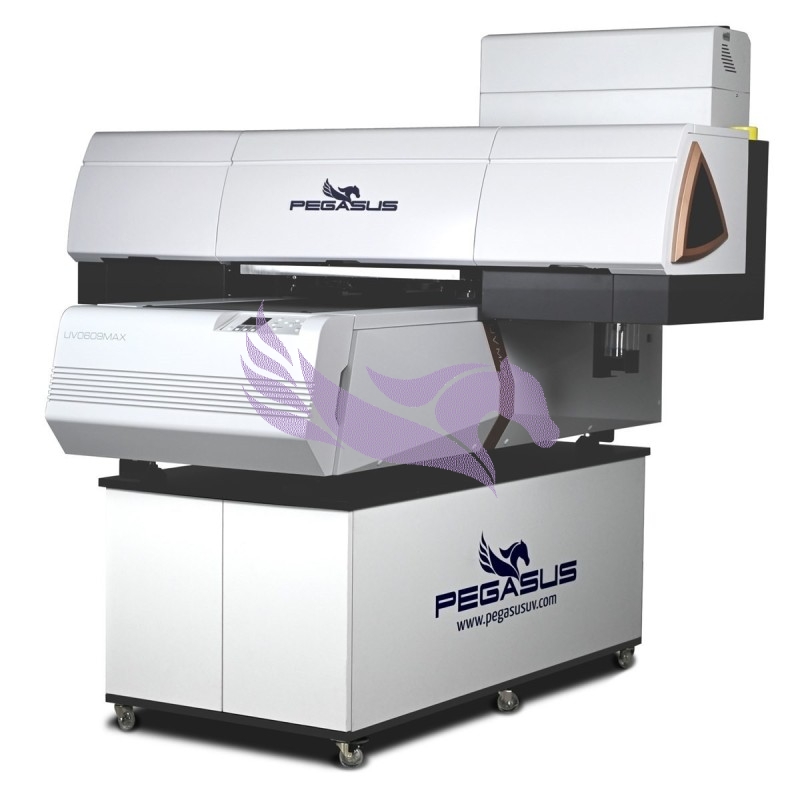
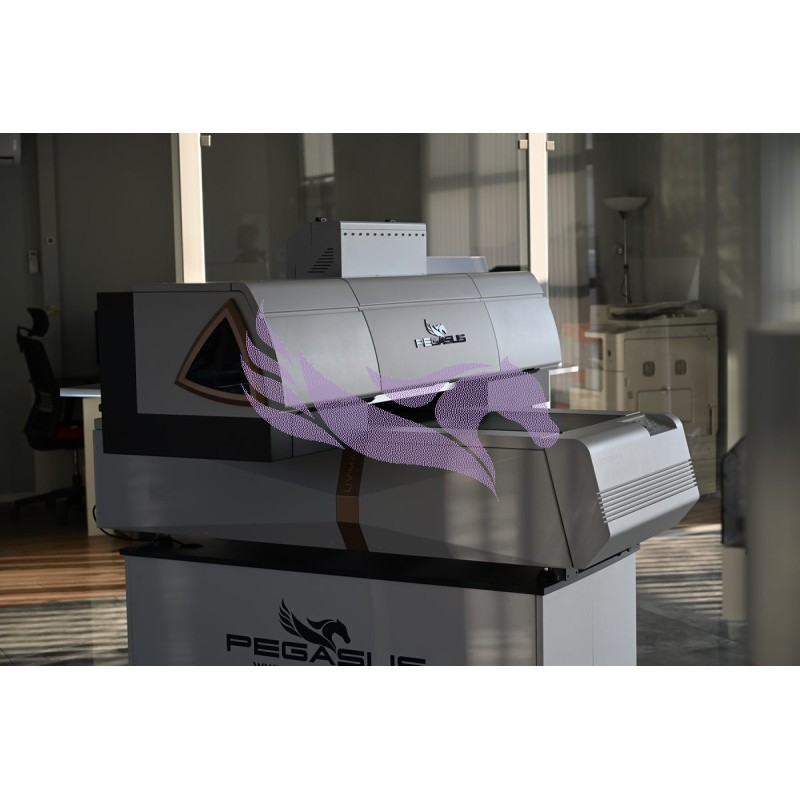
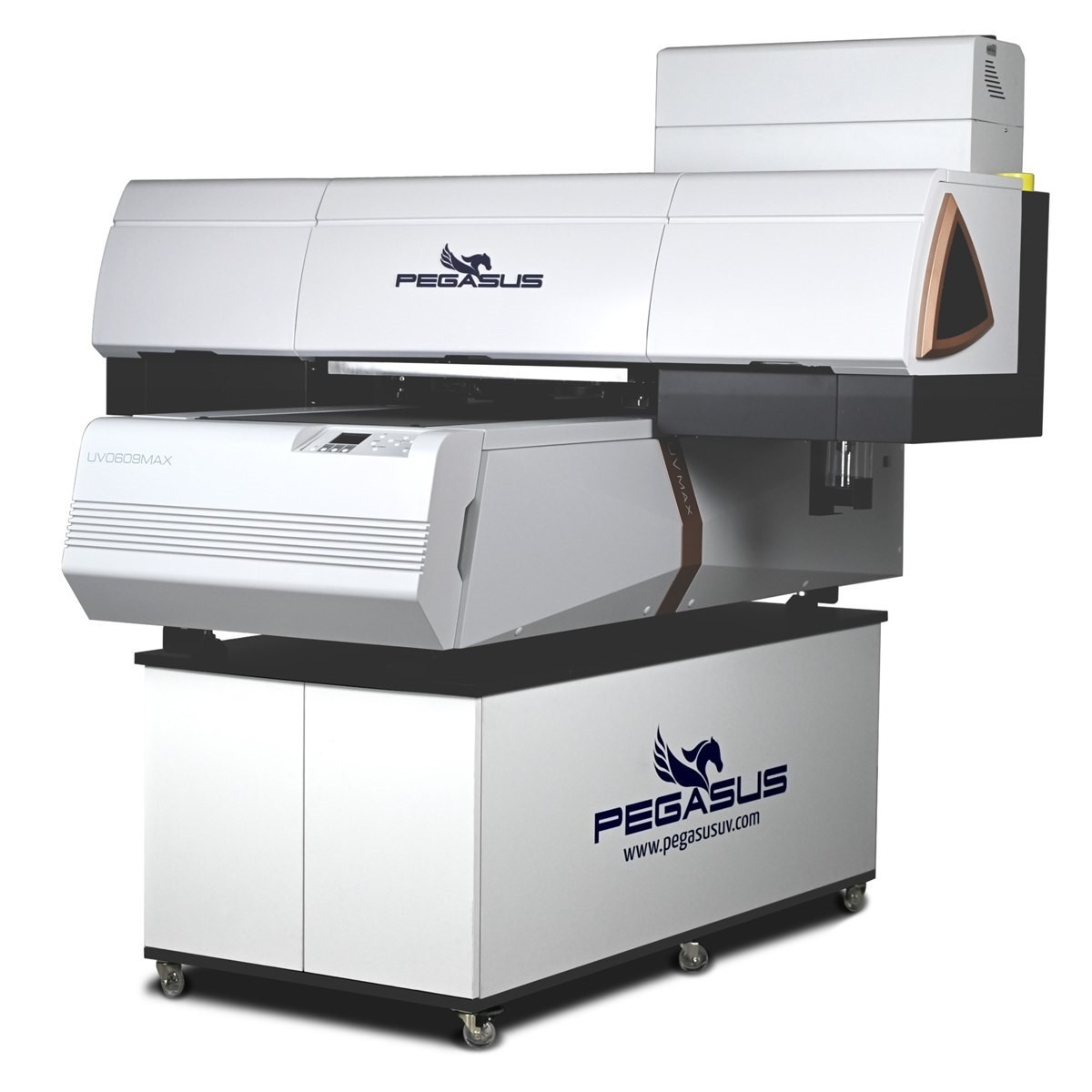
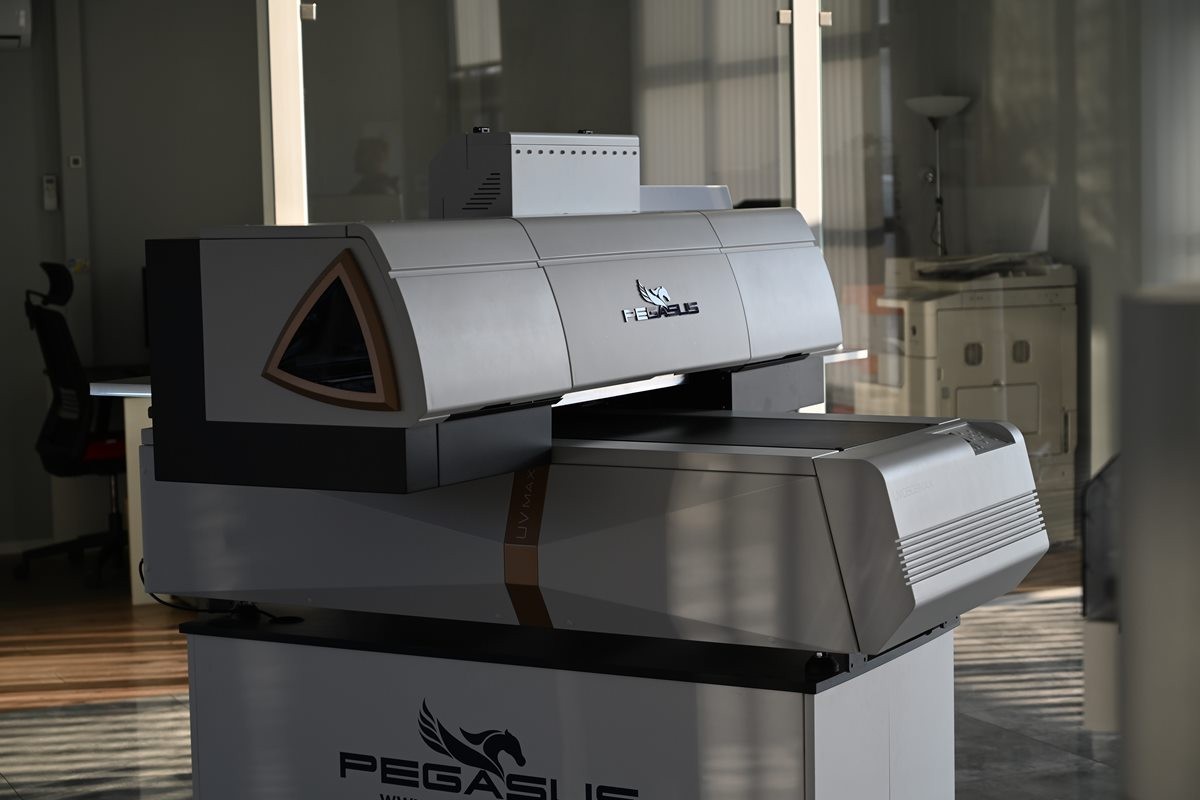

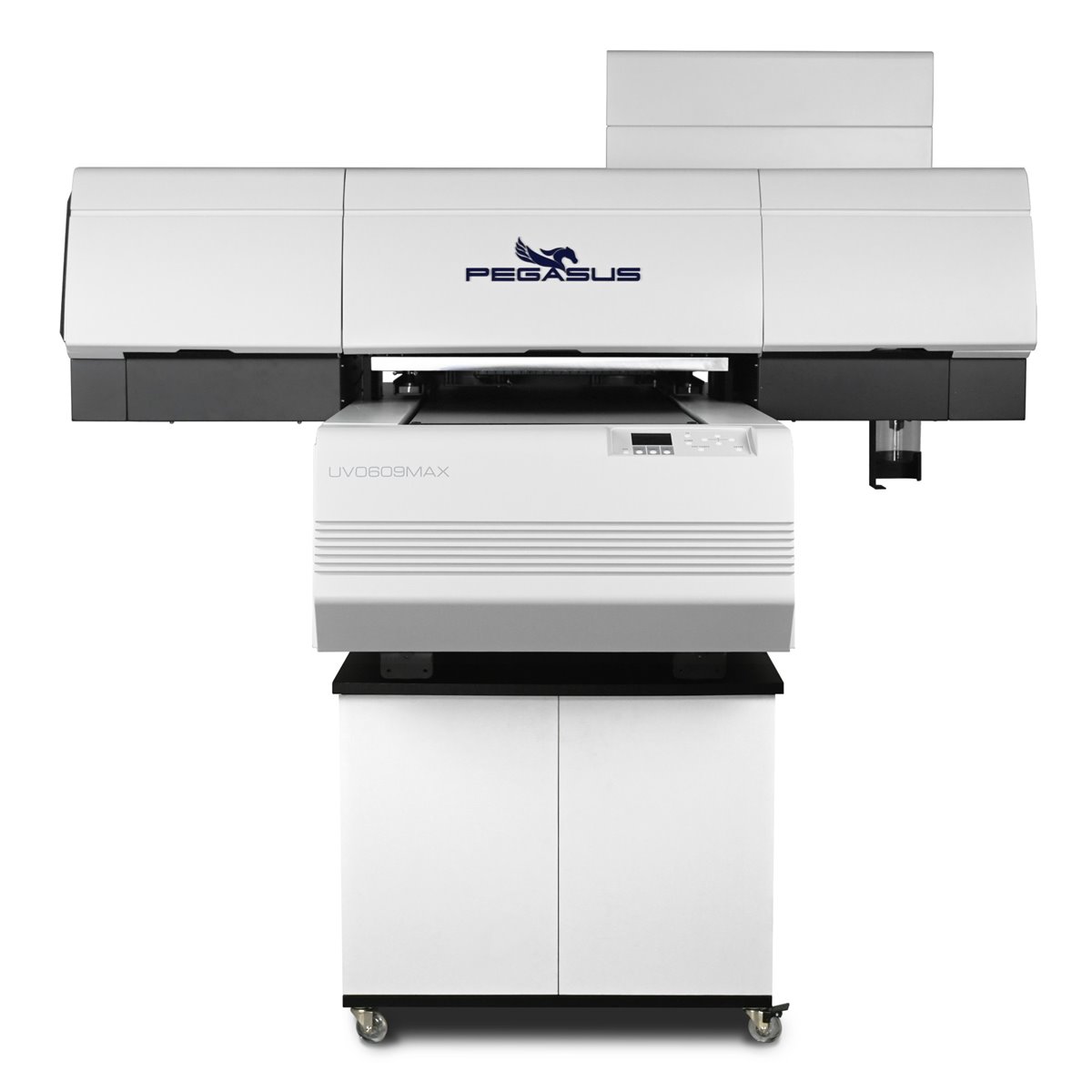
PEGASUS PRO MAX II
UV printer 60 × 90 cm Professional UV flatbed printer
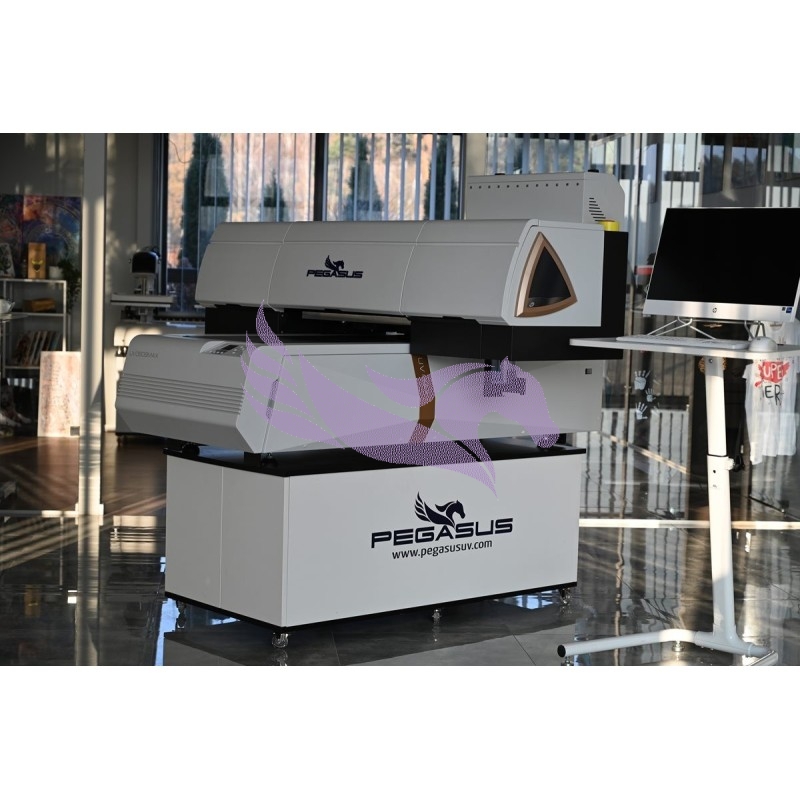
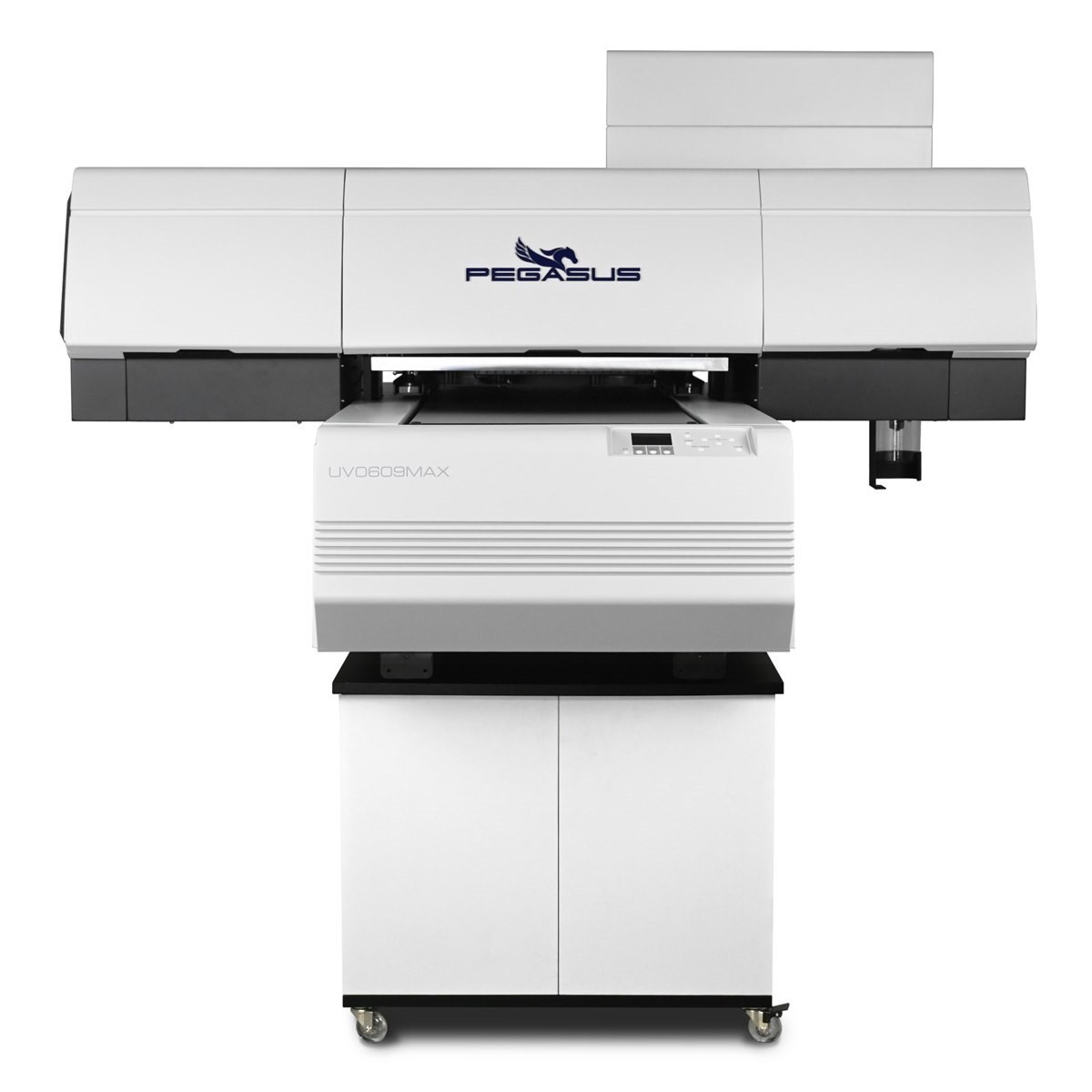
An industrial UV flatbed printer for direct printing on promotional products, packaging, wood, glass and plastics. Available in three configurations: BASIC (CMYK + W) and PLUS and ULTRA (CMYK + W + V).
A 600 × 900 mm print area, a working height of up to 180 mm and a vacuum table make it suitable both for single prints and for short runs of products.
- print area
- 60 × 90 cm
- item height
- up to 180 mm
- printing the 60 × 90 cm area*
- from 1.5 min
- Epson printheads (PLUS / ULTRA)
- 3 × i3200
- color, white, varnish
- CMYK + W + V
- max. resolution
- 720 × 2400 dpi
* Fast mode (720 × 1200 dpi, 4 PASS), bidirectional printing, color only. Times for the other modes are given in the technical specifications.
UV printing on promotional products and items up to 18 cm – 60 × 90 cm table
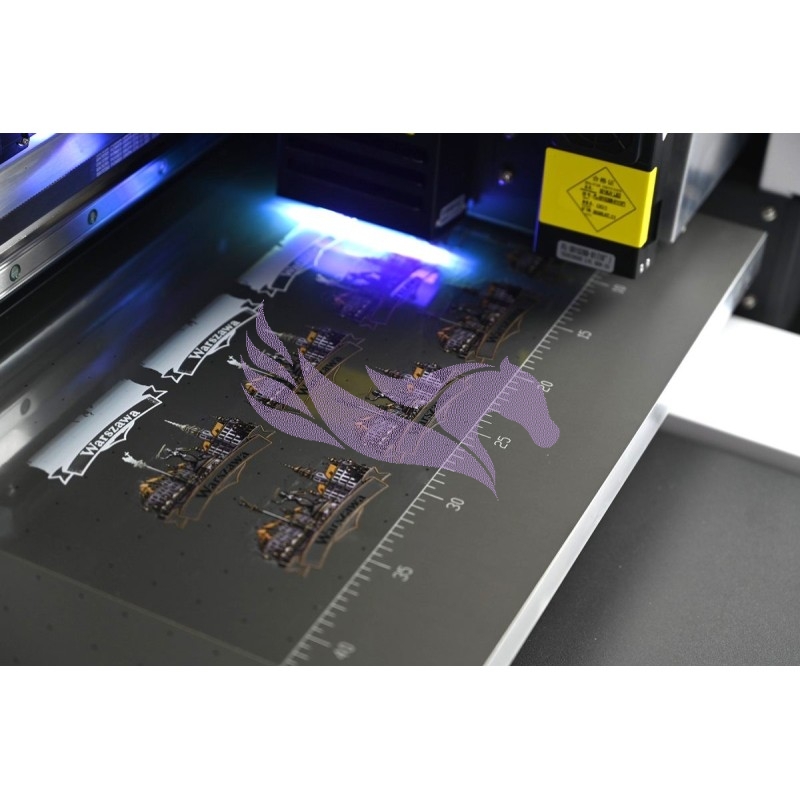
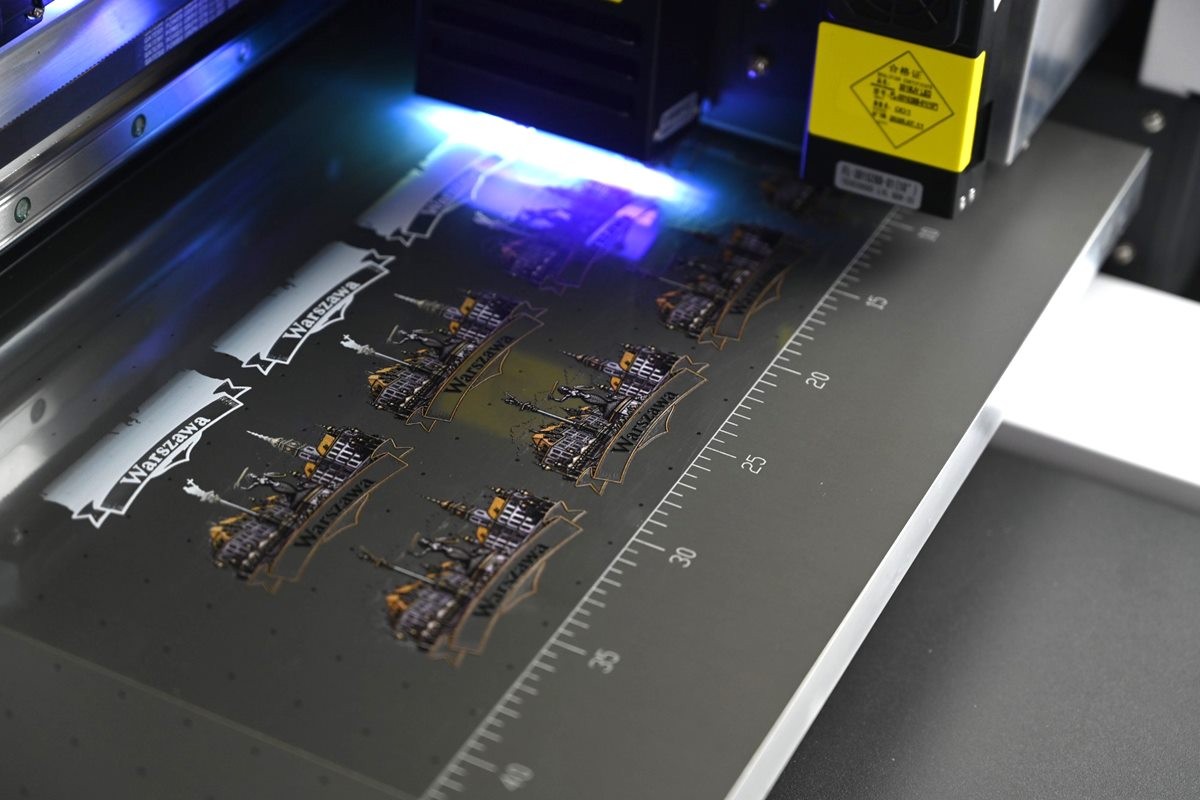
The 600 × 900 mm print area holds an A1 sheet or dozens of smaller items laid out side by side: pens, keyrings, phone cases, caps or plates. All of them are printed in a single job.
Batch example: 40 keyrings on the table printed in standard mode in 7–17 minutes gives about 10–25 seconds per piece. On top of that comes the time needed to lay out the items, which jigs shorten.
Items up to 180 mm high fit under the gantry with the carriage: a box, a thick board, a device housing. The printheads can work 2–8 mm above the material, so the printer also handles slightly convex or concave surfaces. For a new shape we recommend a test print.
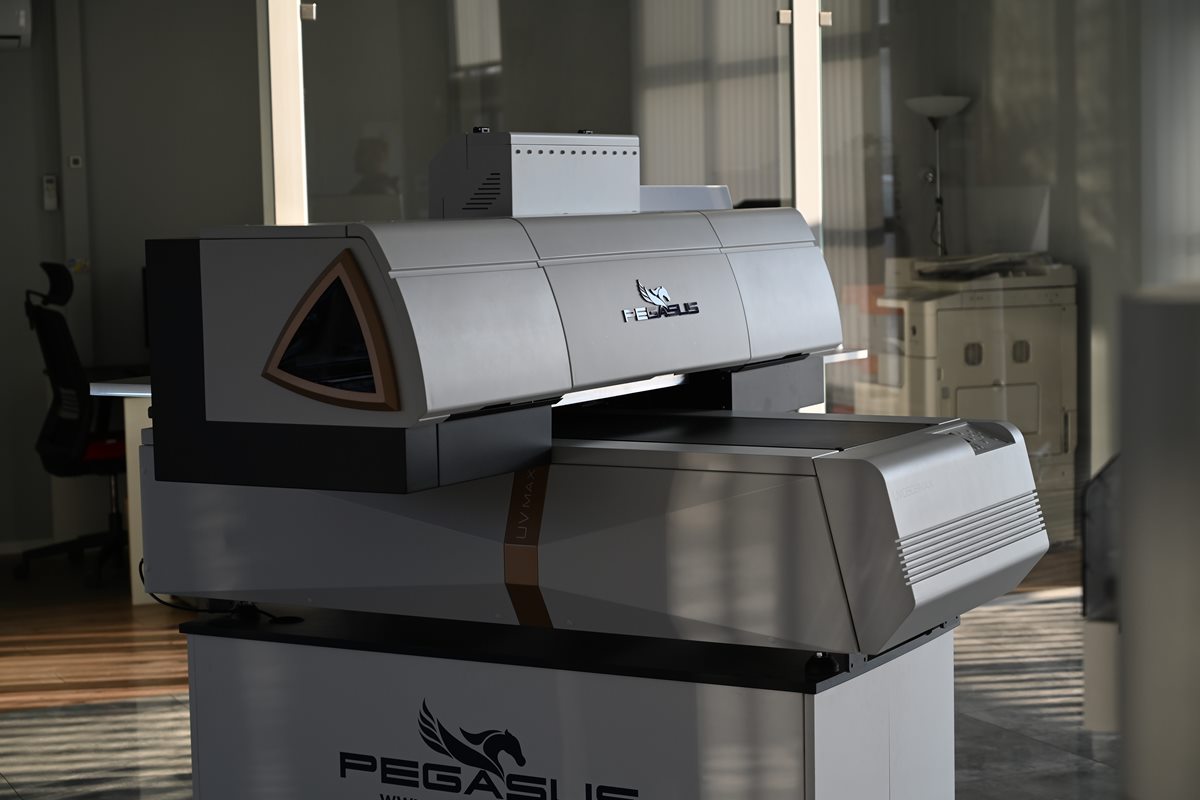
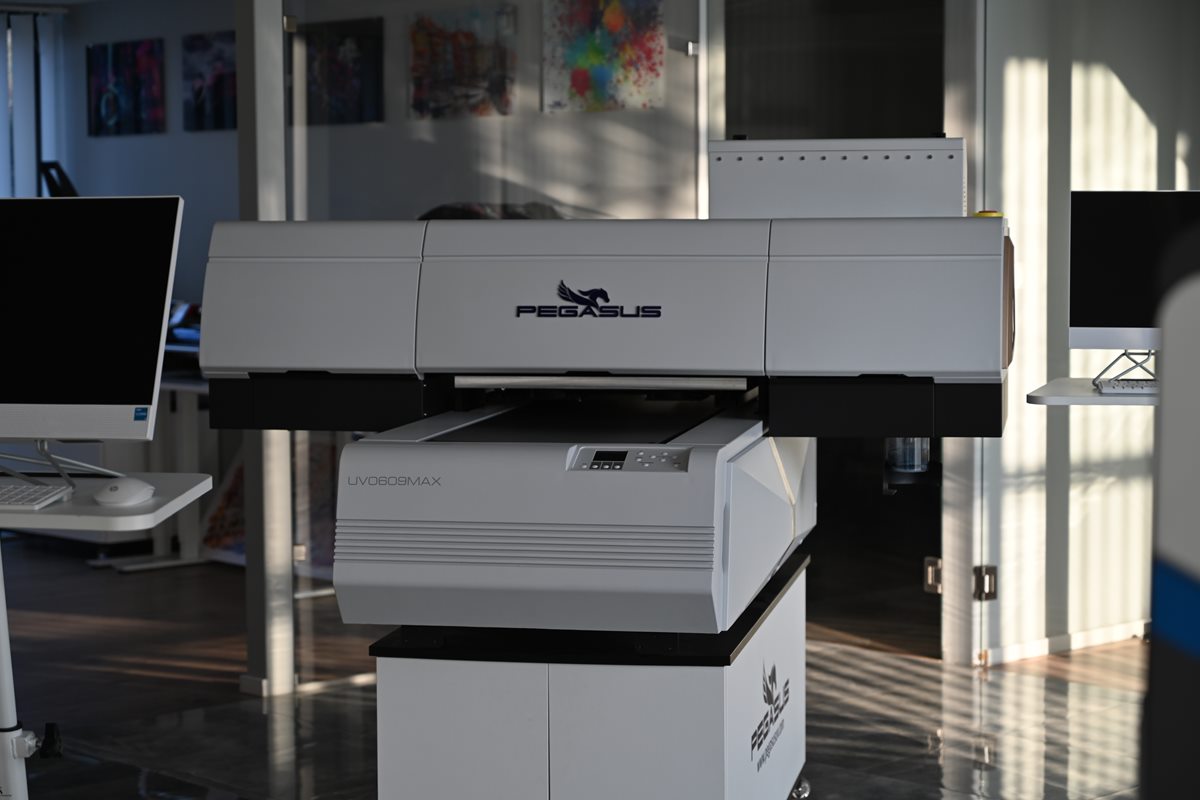
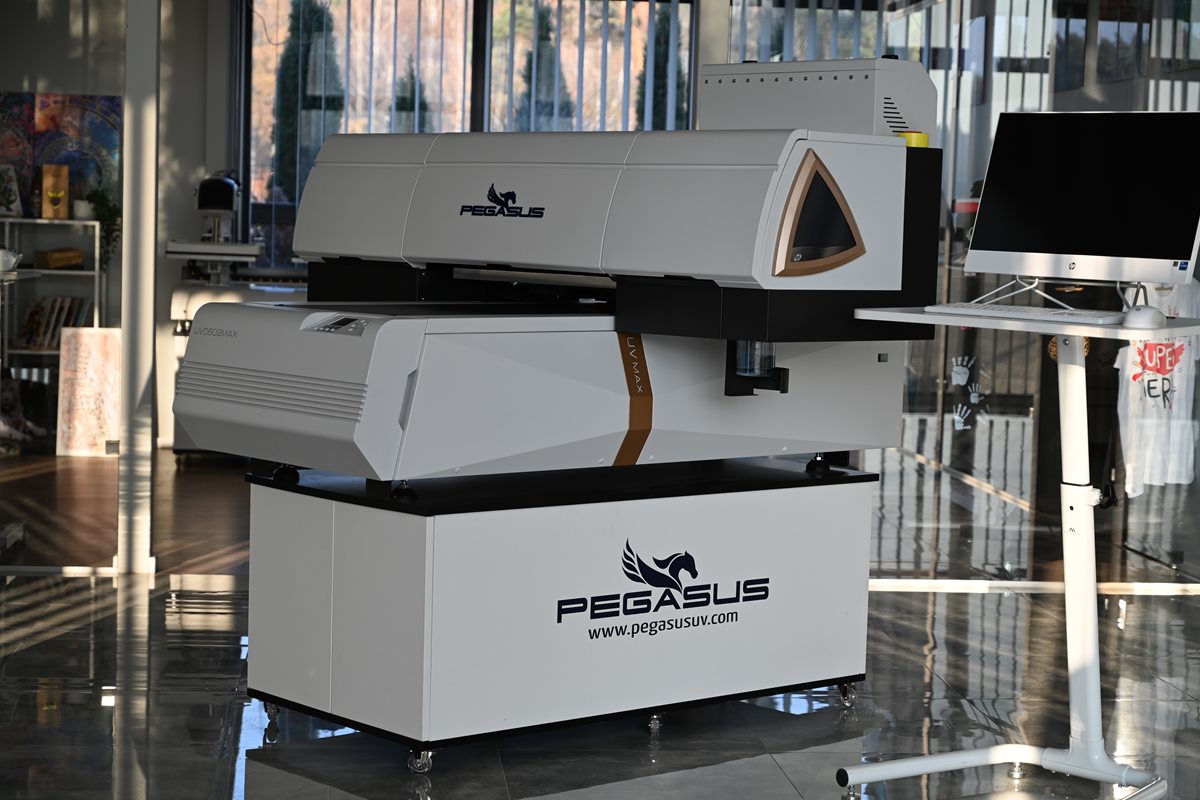
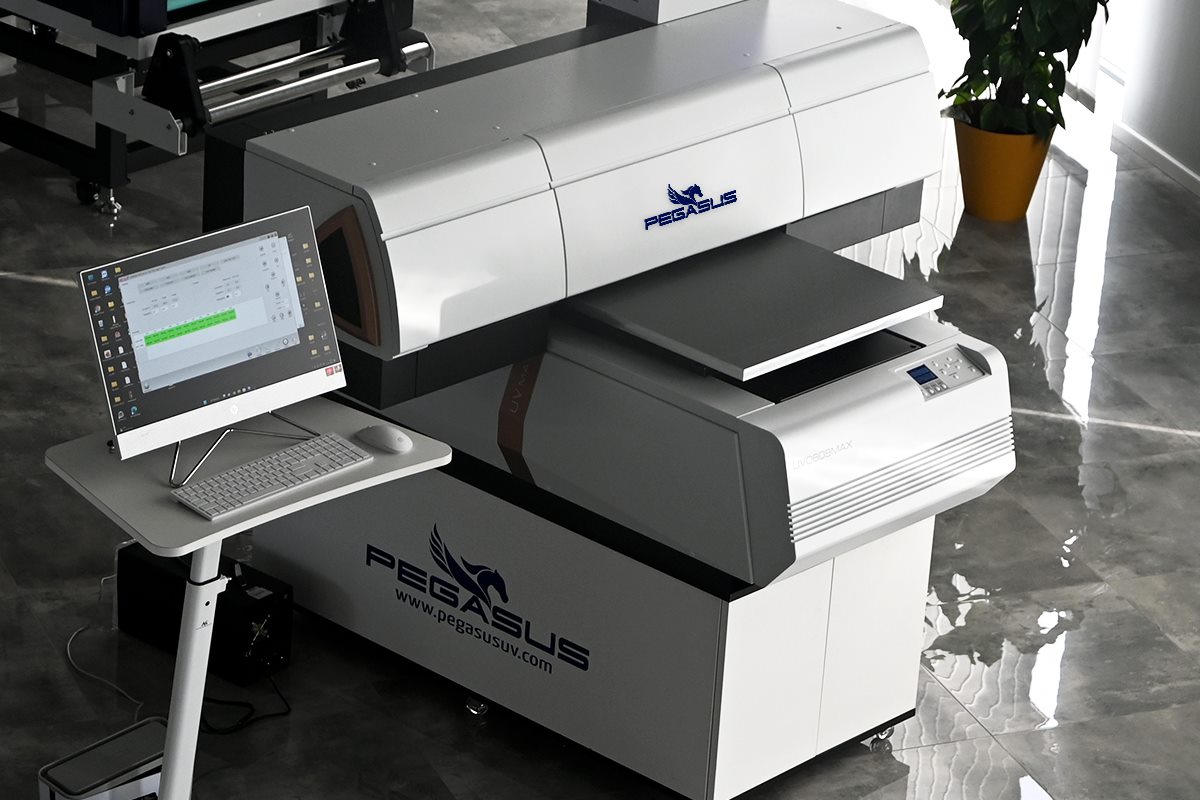
UV printing on glass, acrylic, wood and promotional products
UV printing needs no plates or screens, so it pays off for single pieces, short runs and orders where every item has a different design, e.g. a name or a number.
- Promotional products – pens, keyrings, USB drives, bottle openers, magnets, medals.
- Electronics – phone cases, power banks, housings.
- Packaging and cosmetics – boxes, eyeshadow palettes, lipstick tubes, mirrors.
- Advertising and signage – plates, signs, door signs, acrylic displays.
- Decorations – pictures on glass and wood, wedding photos, ceramic tiles.
- Sports and toys – golf balls, sports accessories, building blocks, collectible cards.
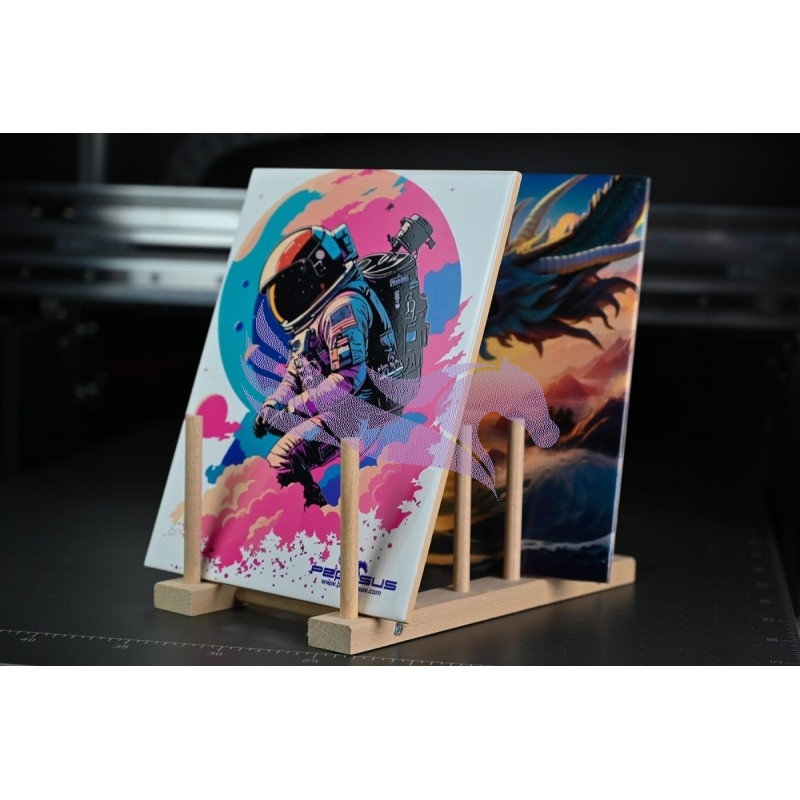
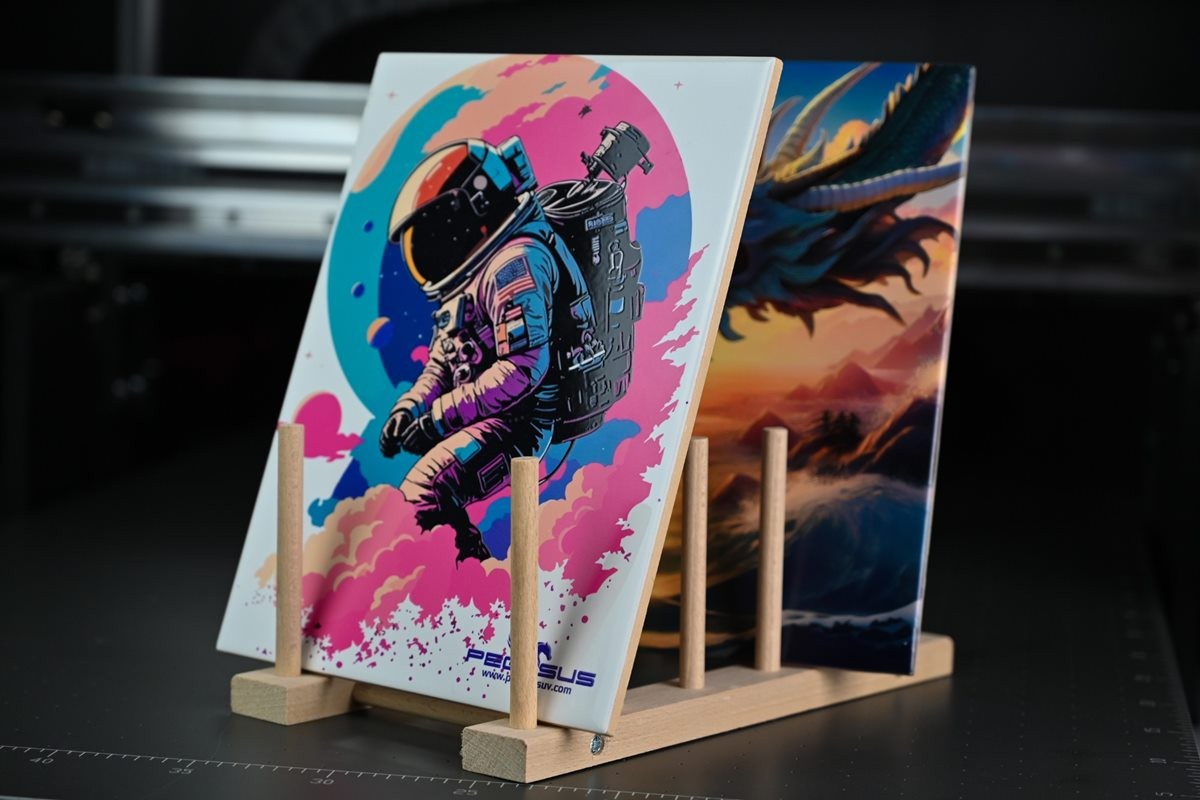
The photos below show prints made on the PEGASUS PRO MAX II.
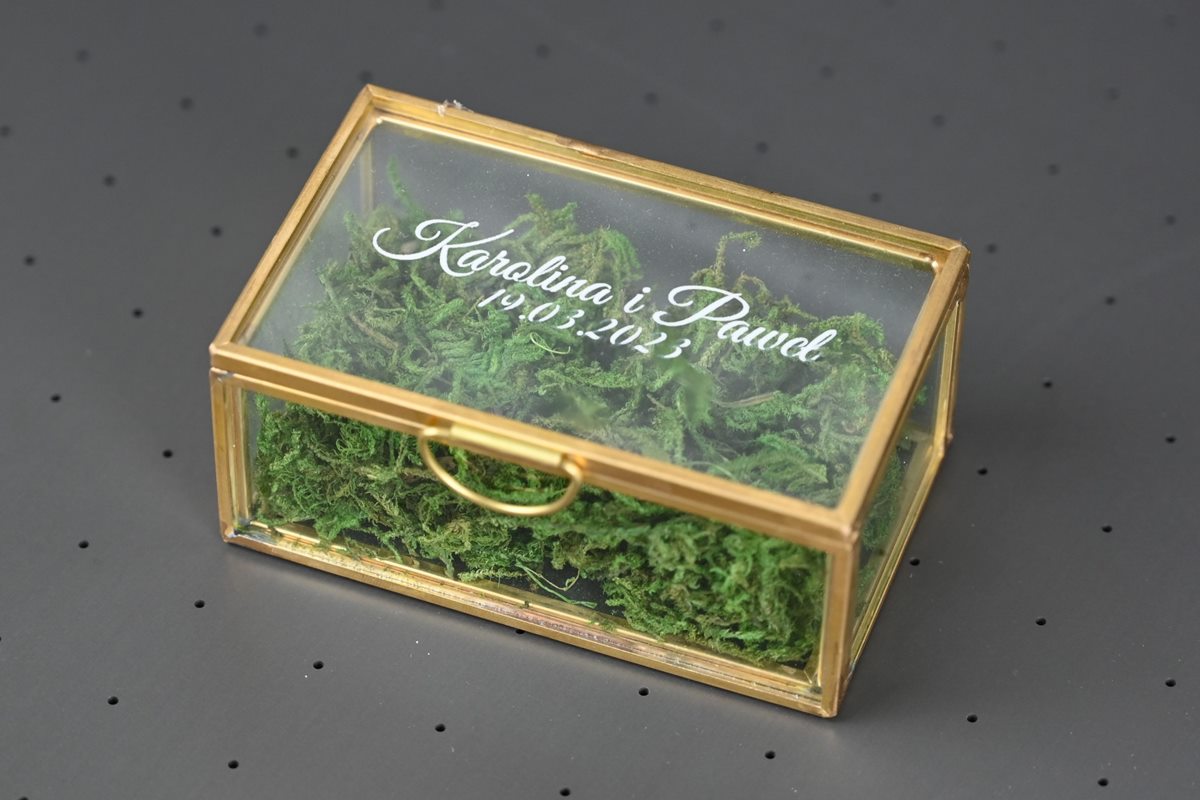
Glass
Pictures, photo prints and wall decorations. A white underlayer beneath the color gives full colors on a transparent surface.
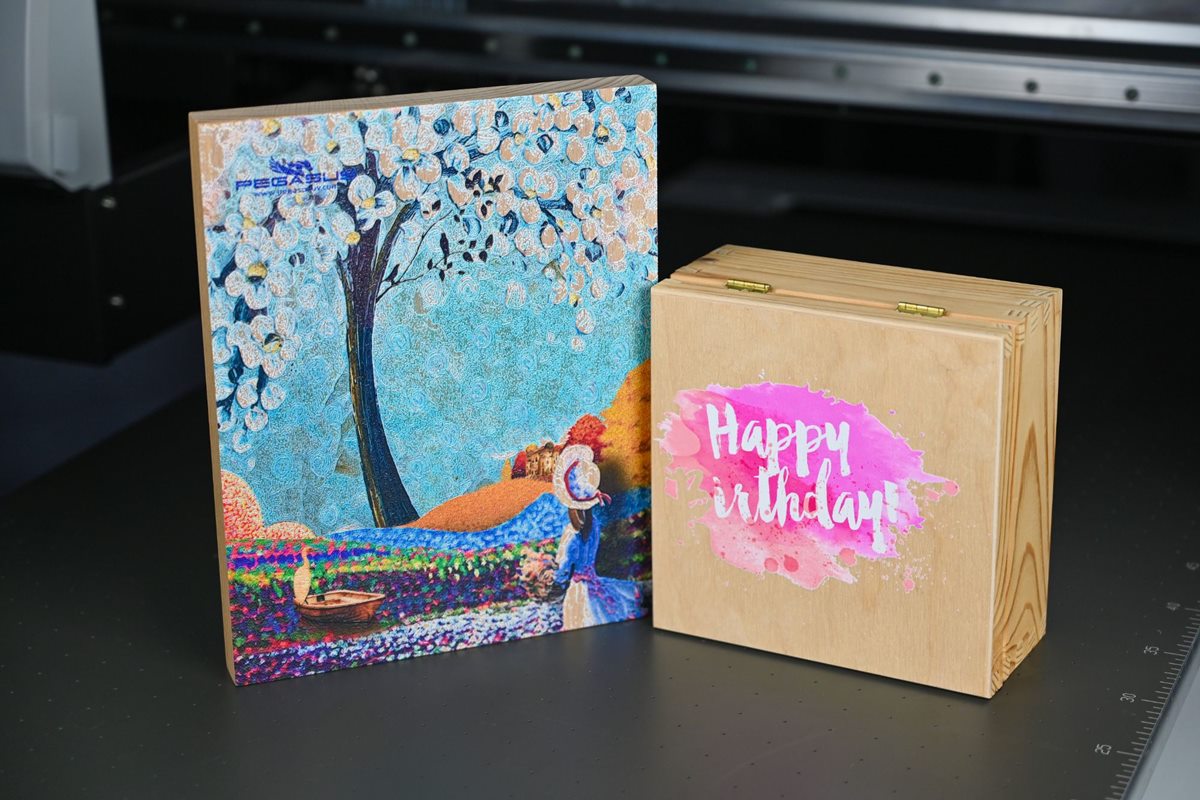
Wood and plywood
Personalized boxes, plates and decorations. On dark wood, white ink works as an underlayer or as a separate color.
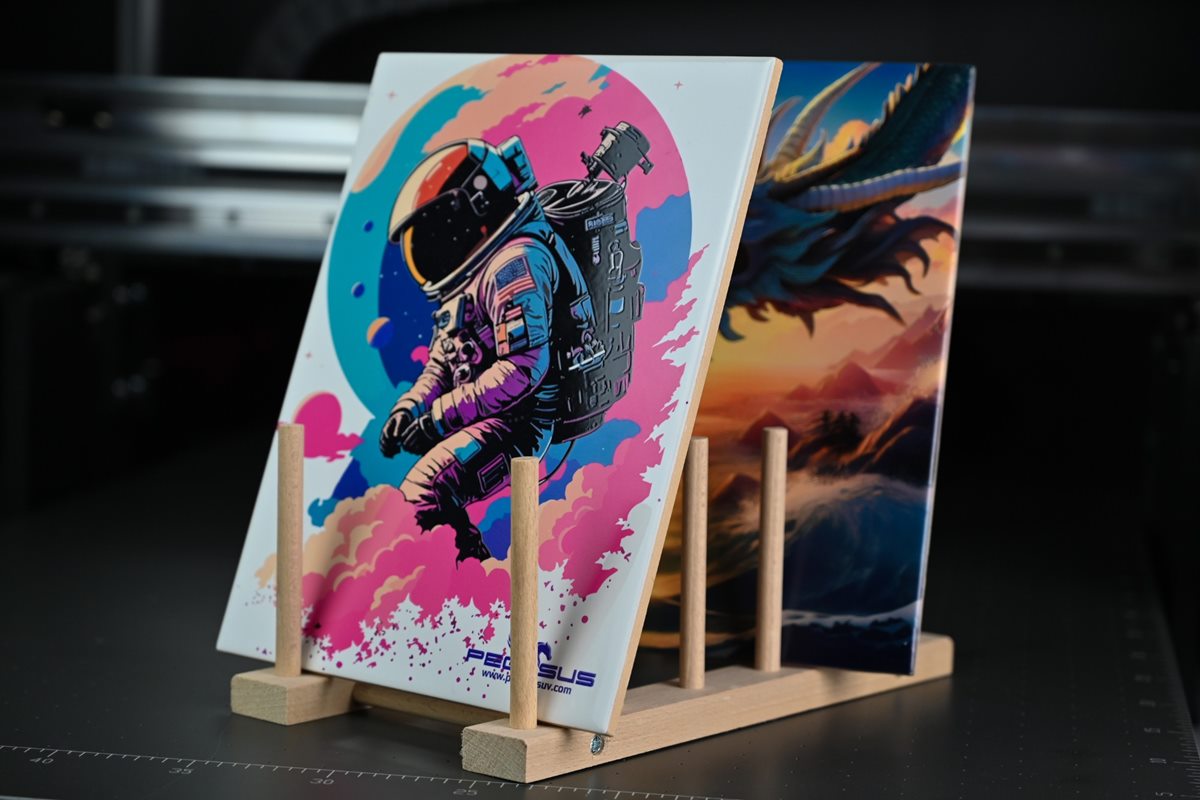
Ceramics
Decorative tiles, pictures and souvenirs with full-color graphics.
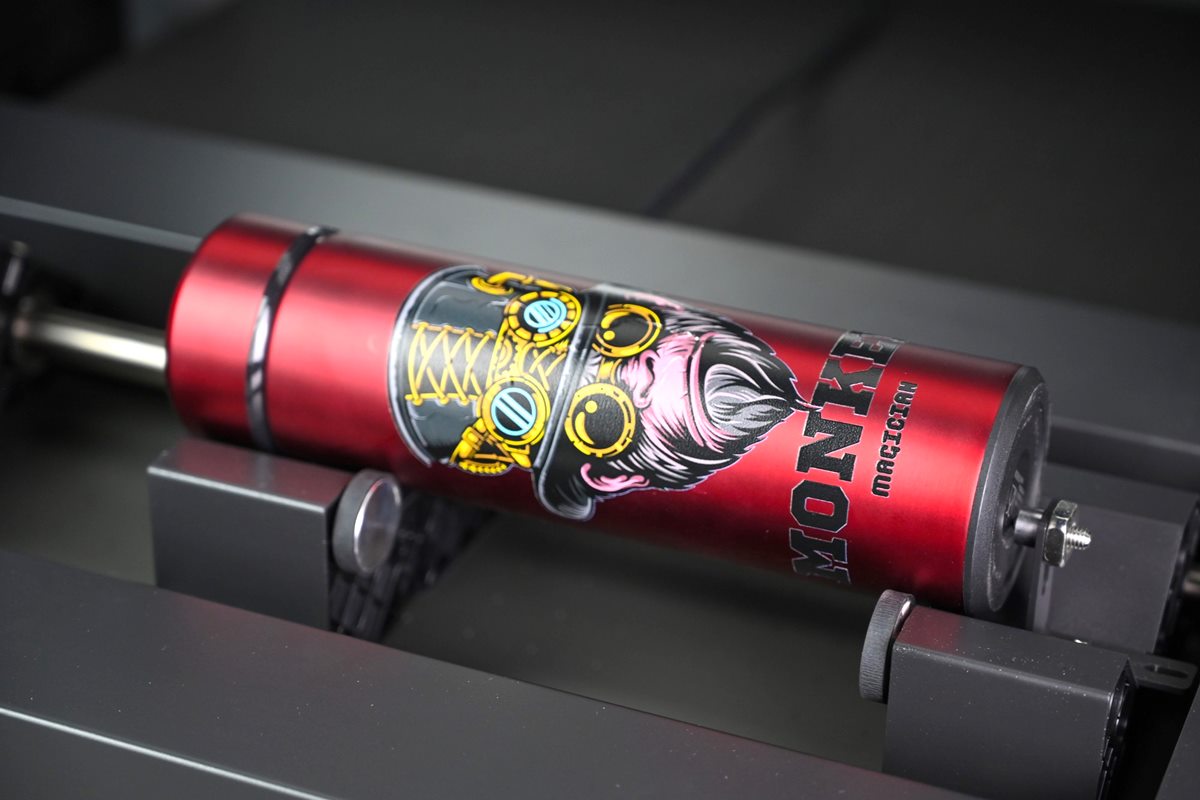
Metal
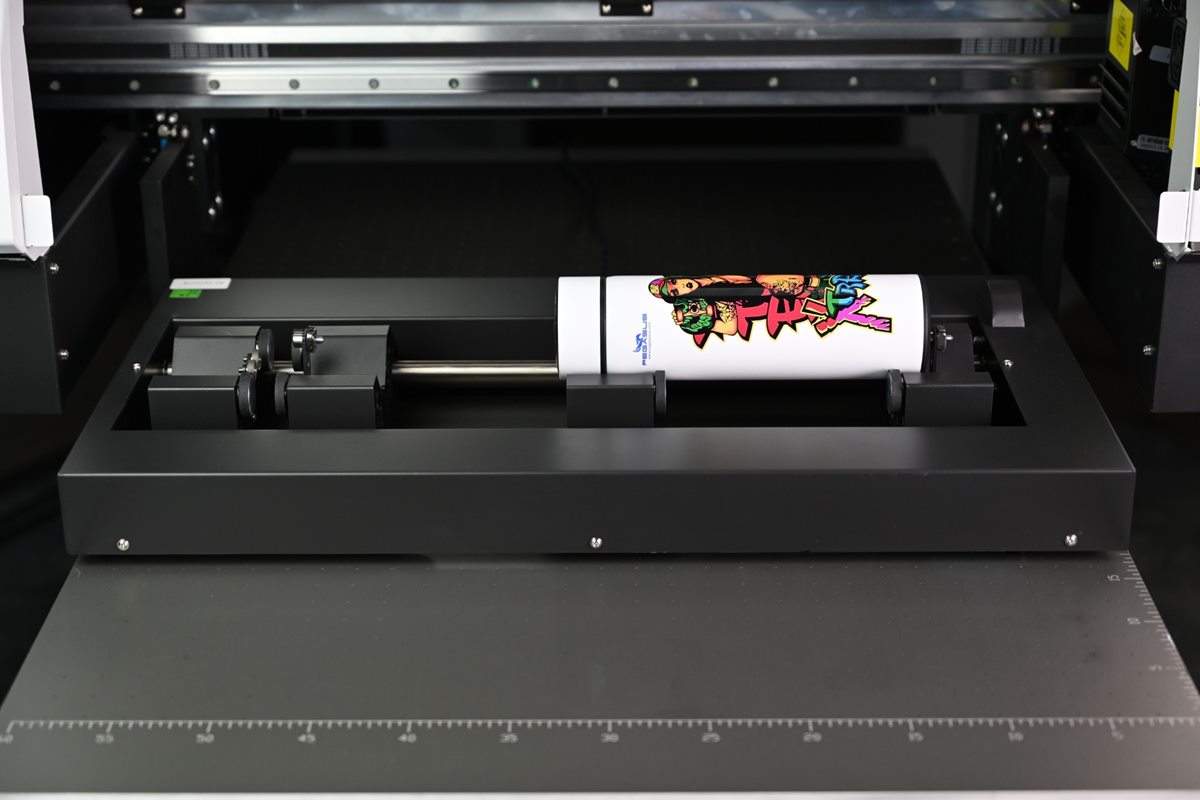
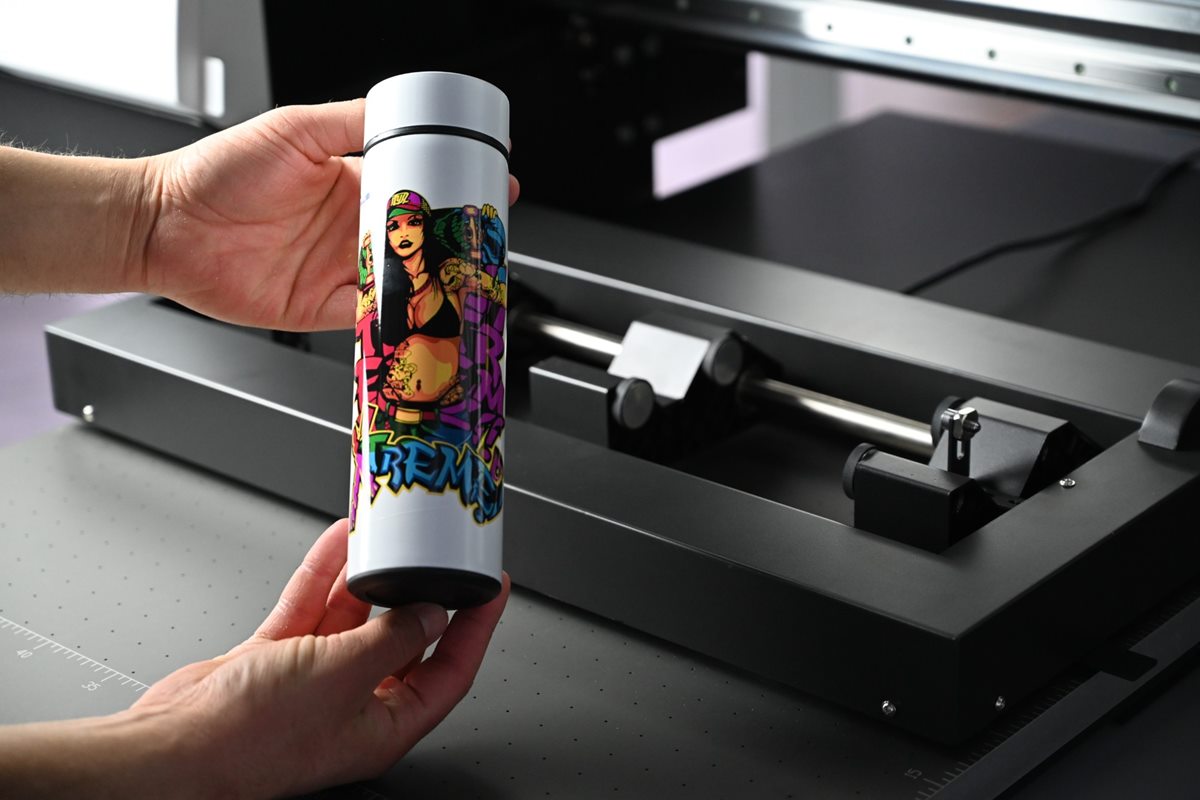
Thermos bottles, bottles and travel mugs. In the ULTRA package they are printed in the rotary attachment.
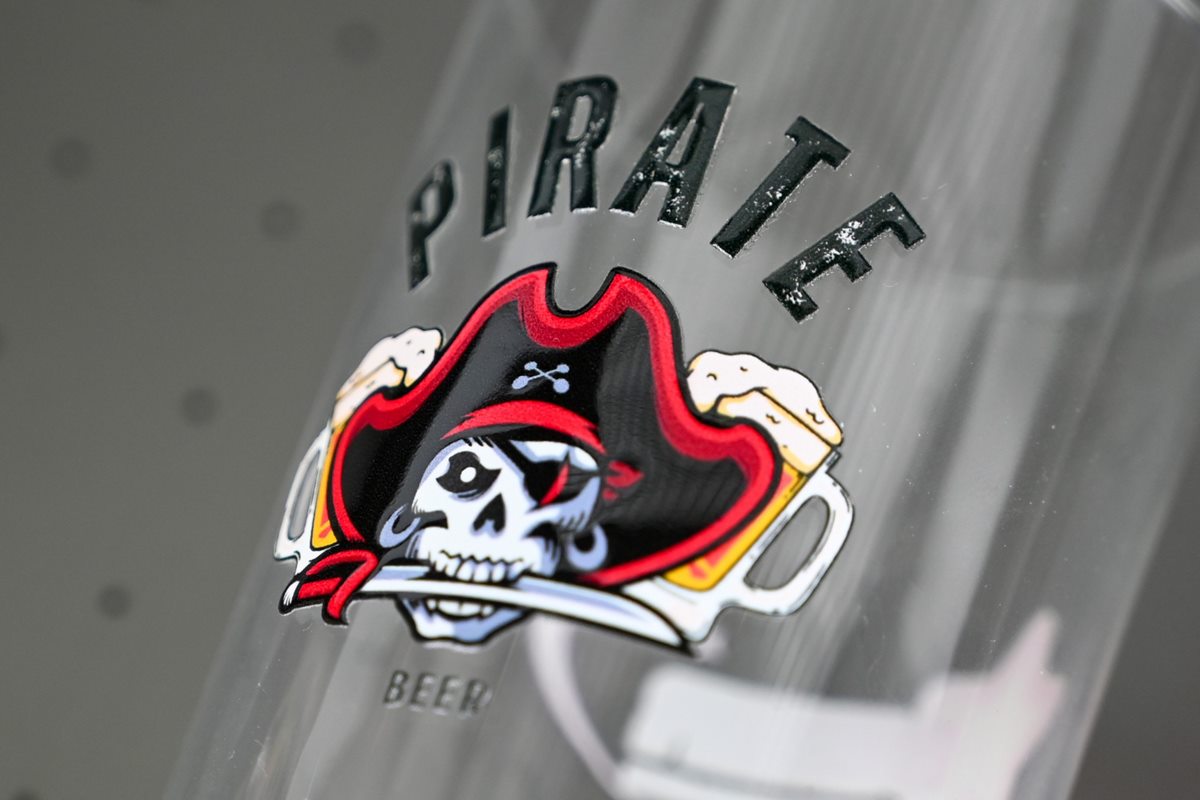
UV DTF stickers
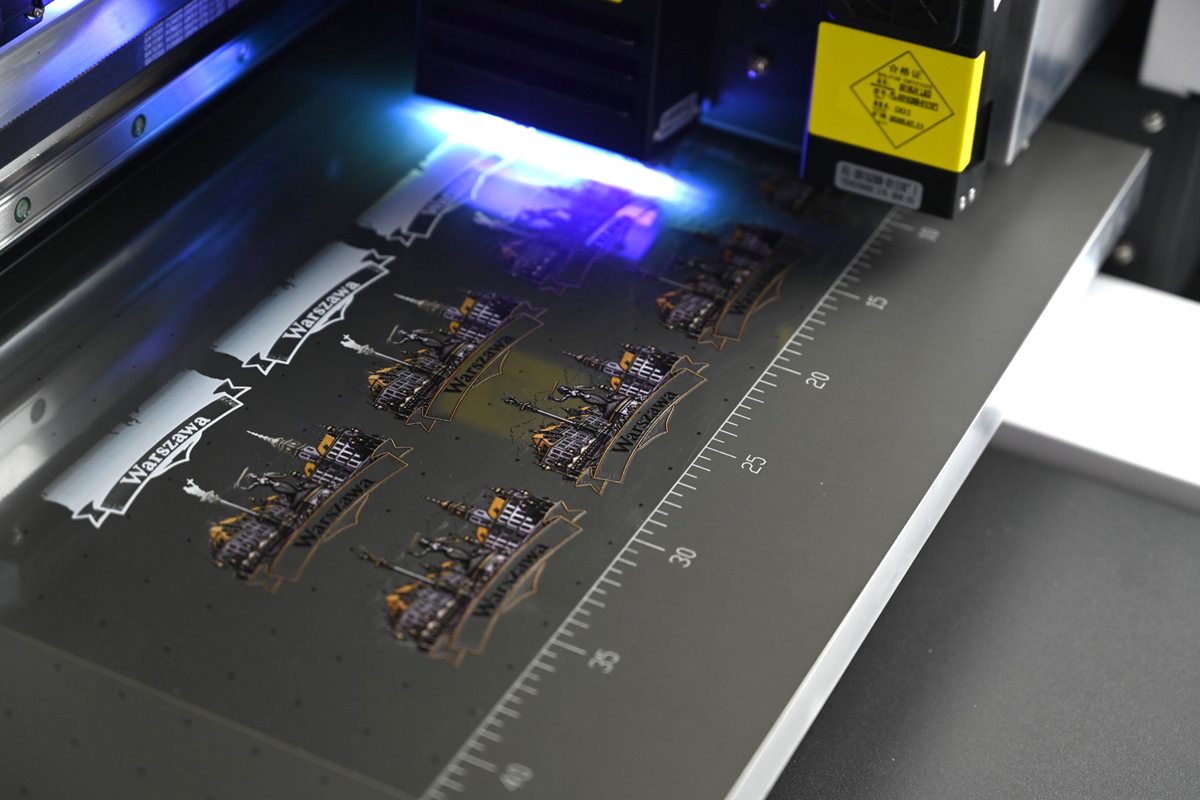
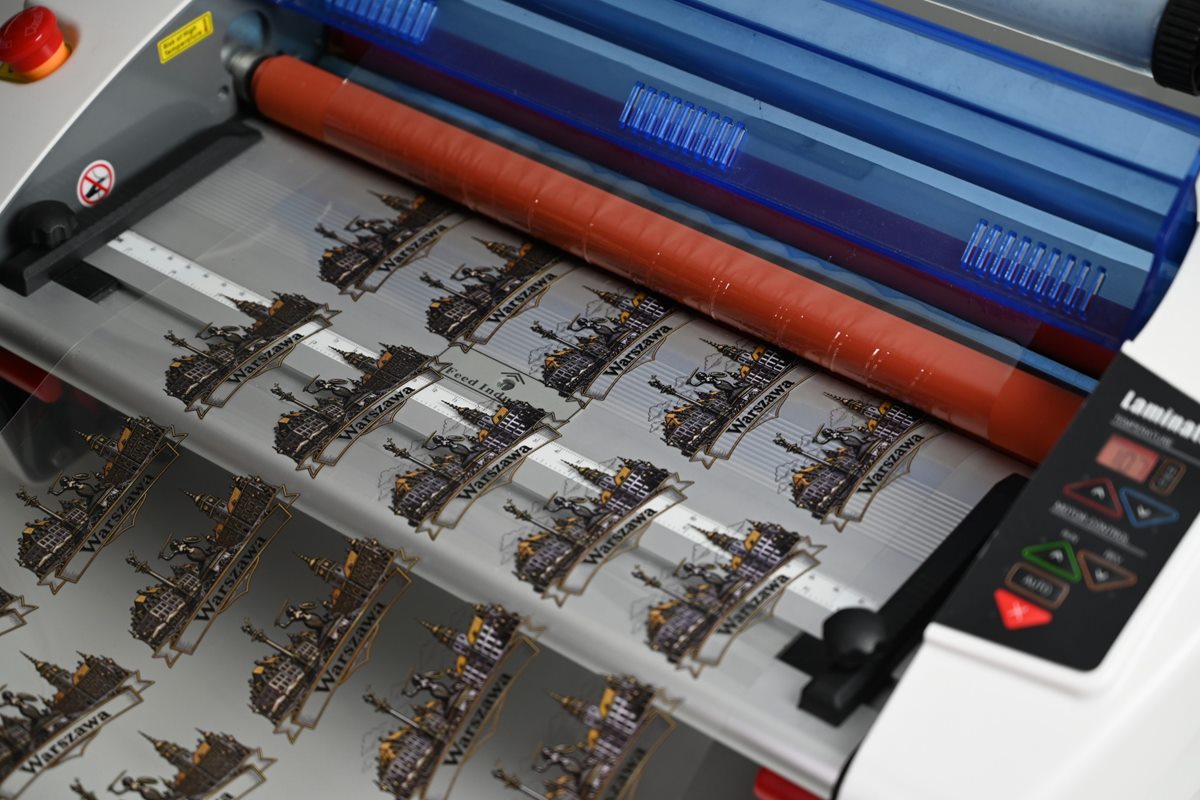
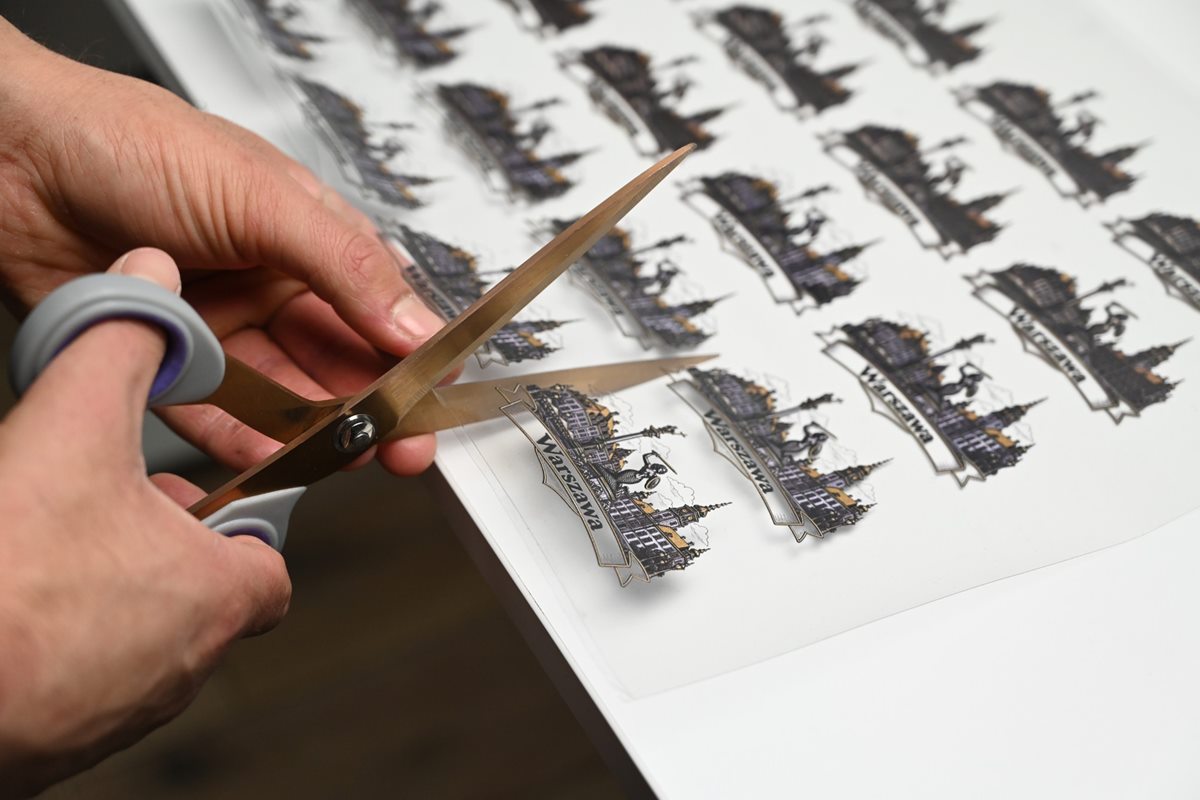
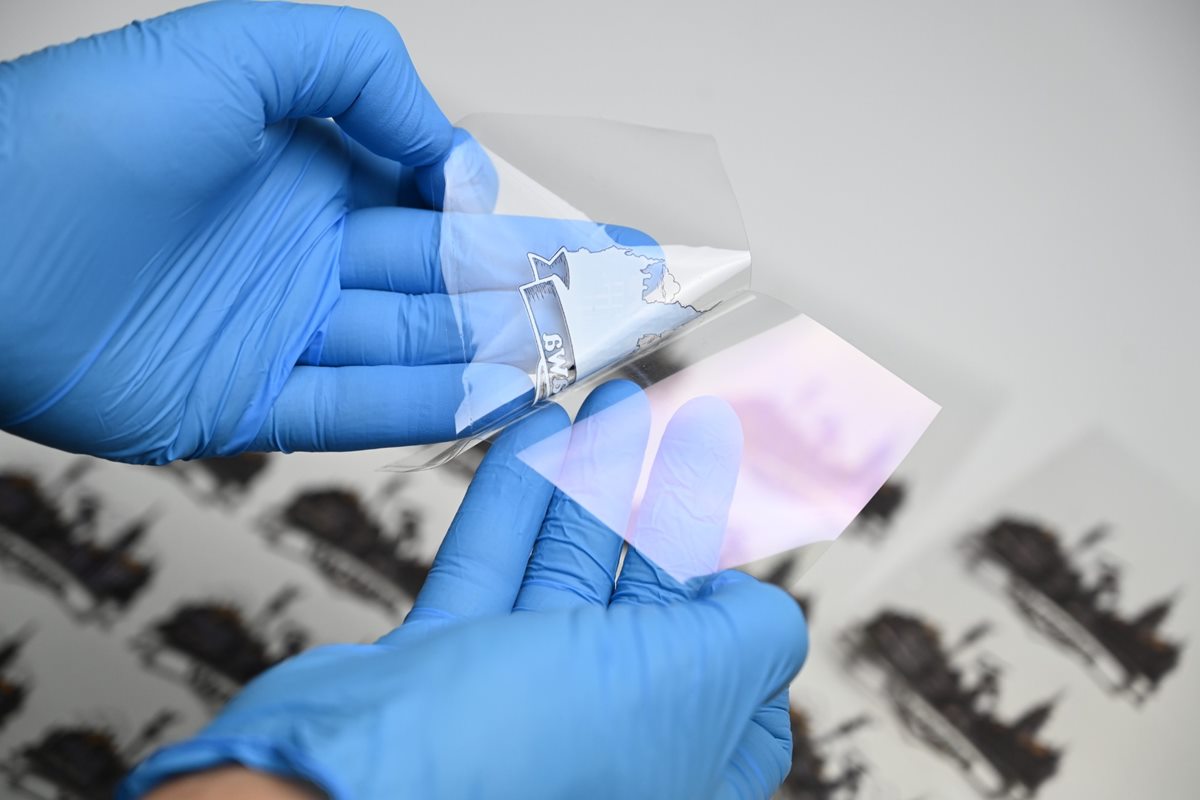
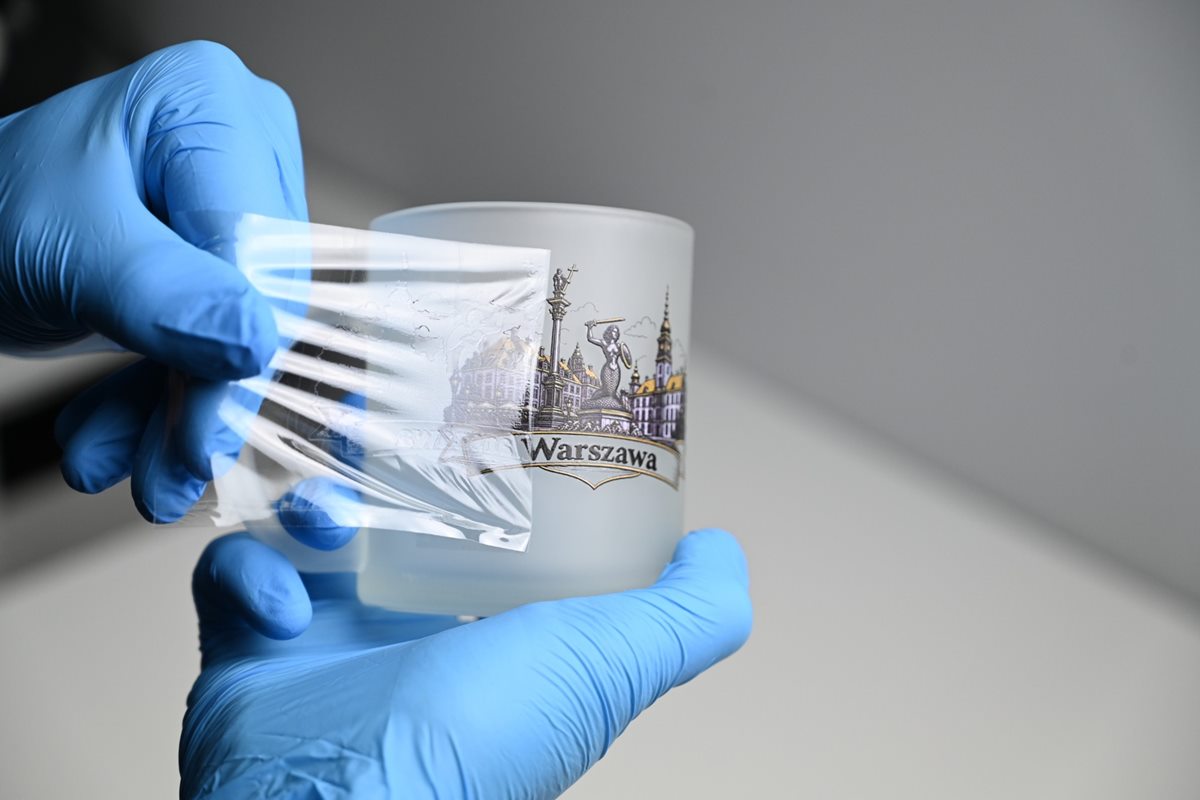
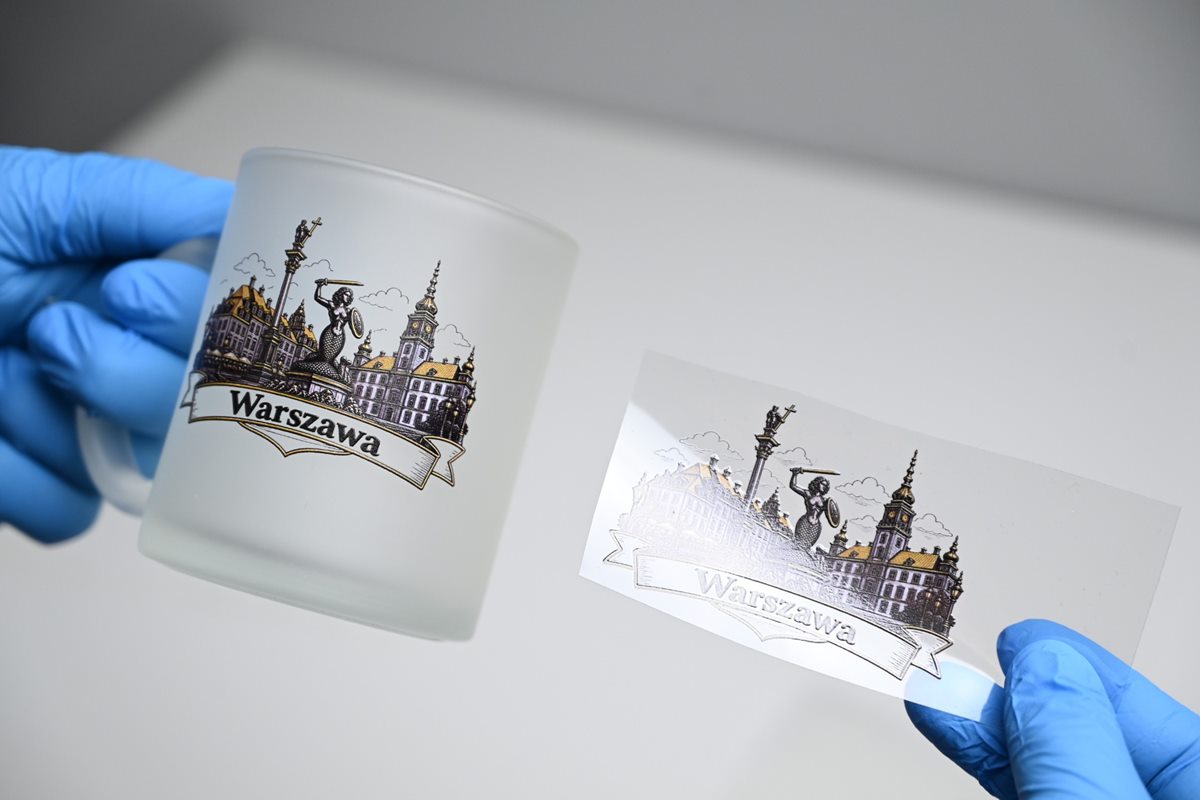
A transfer sticker carries a full-color print onto glasses, mugs and items that cannot be printed directly.
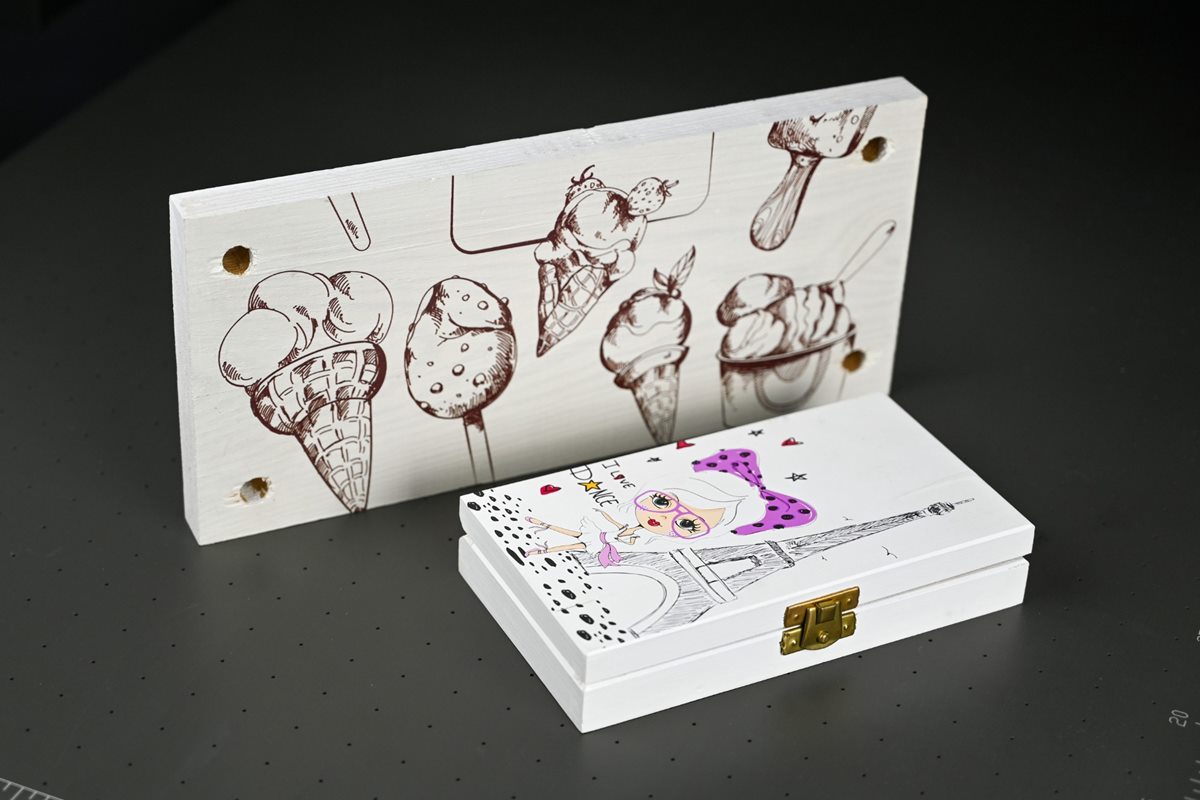
Gifts and promotional items
Keyrings, cases, power banks, boxes and gifts with a client’s logo, printed in batches laid out on the table.
Sample substrates: acrylic (Plexiglas), glass, metal and aluminum, plastics including PVC, wood and plywood, leather, paper and cardboard, ceramics.
Vacuum table – how it holds the material during production
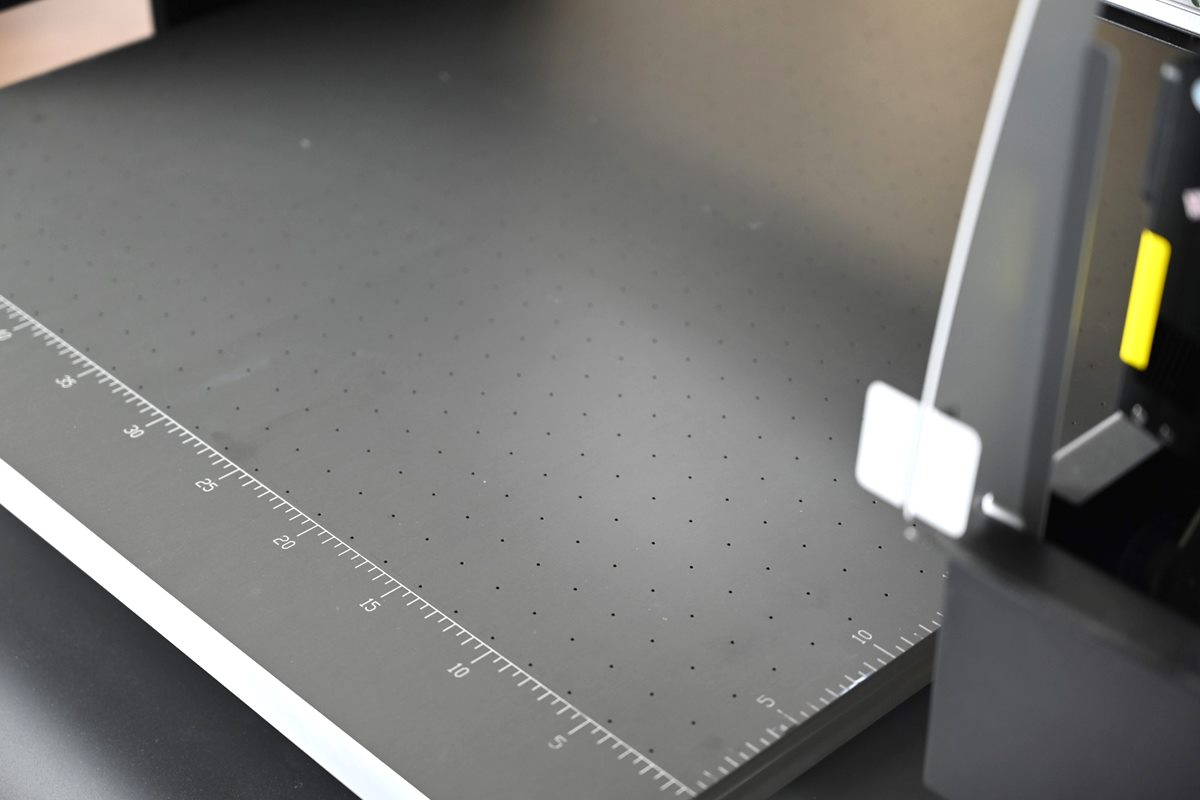
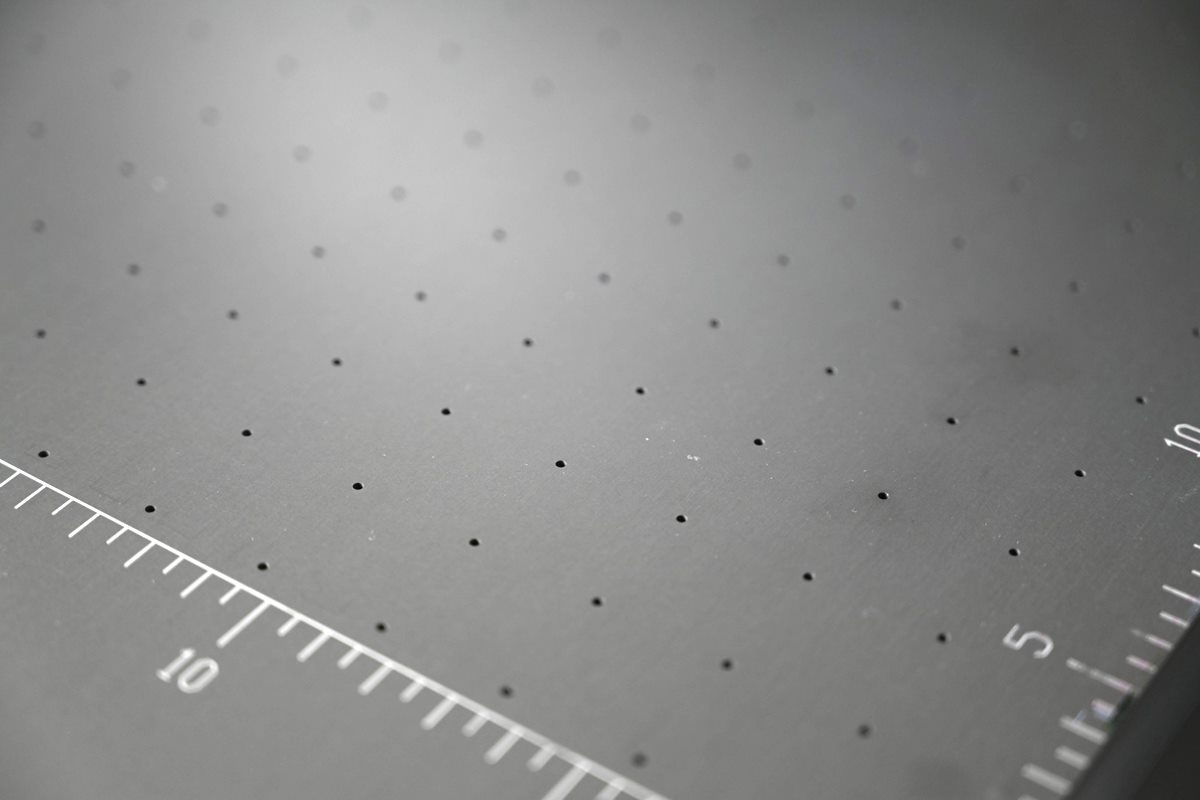
The print table is a vacuum table: air is drawn in through holes in the table top and presses the material against the surface. The printhead works a few millimeters above the material, so even a slight bulge in a sheet can blur the print or catch the printhead. The vacuum keeps the material flat and in the same place throughout the print, also with several layers of white ink and varnish.
- Thin and light materials – films, sticker sheets, paper, cardboard and thin boards, which curl at the edges without hold-down.
- UV DTF film – the film sheet lies flat over its whole area, so the graphic does not shift between printhead passes.
- Batch jigs – a board with milled pockets for pens, keyrings or cases stays fixed on the table. Each new batch lands in the same place, without re-aligning the print.
When the material covers only part of the table, it is worth covering the exposed holes, e.g. with paper or film, so that the vacuum holds the sheet more firmly. Heavy items such as glass or a thick board lie stable under their own weight. The vacuum matters most with thin and flexible materials.
Print system
Three Epson i3200 printheads – color, white ink and varnish
Color, white ink and varnish each have their own printhead, so the printer applies all three in one job. All three are industrial Epson i3200-U1 printheads with 3200 nozzles, the same model for color, white and varnish. Only one printhead type is needed when ordering parts.
Made-to-order option: 8 colors
On request, instead of the standard color printhead we fit an Epson i3200-U1HD with an 8-color adapter: CMYK plus the light shades Lc, Lm, Lk and Llk. Colors gain depth and light areas of photos are smoother, but printing is slower. The standard PRO MAX II configuration remains CMYK + white + varnish.
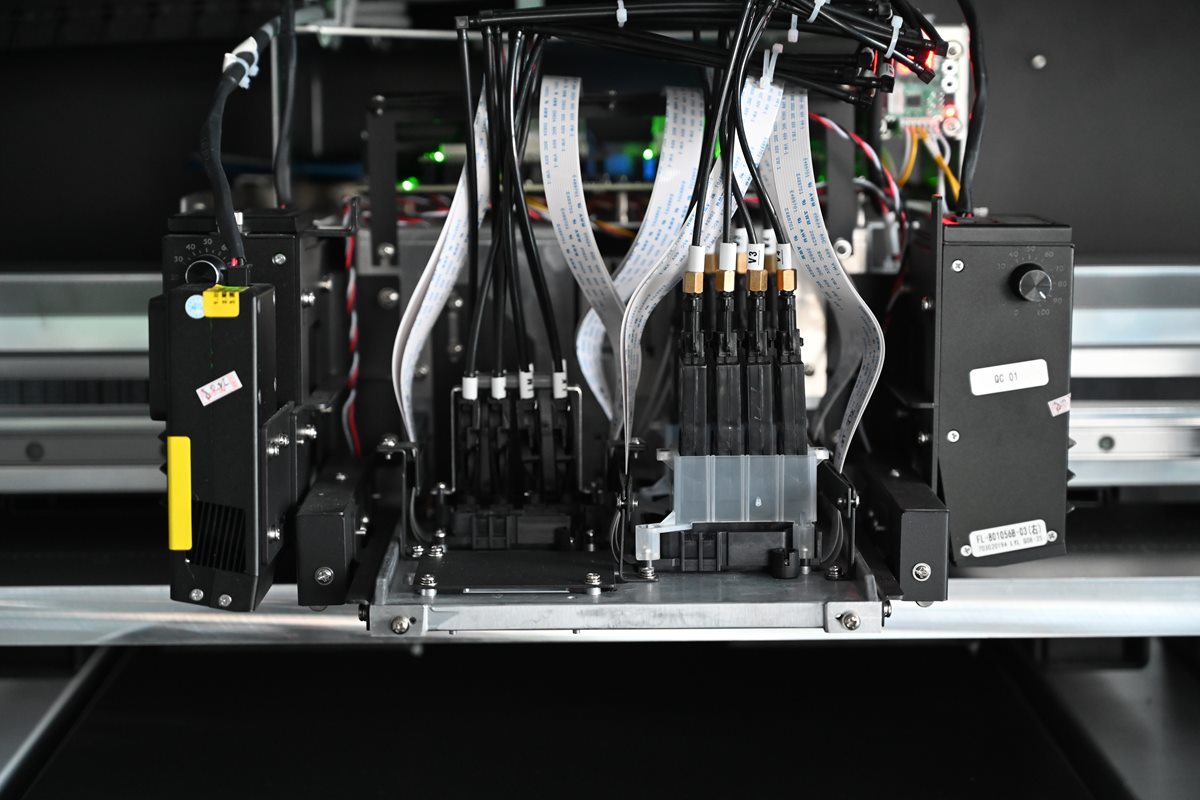
-
01CMYK
Epson i3200-U1. Full-color CMYK printing.
-
02WHITE
Epson i3200-U1. White underlayer beneath the color or white print on dark and transparent materials.
-
03VARNISH
Epson i3200-U1. Spot varnish or full-surface varnish and raised effects. In the PLUS and ULTRA packages.
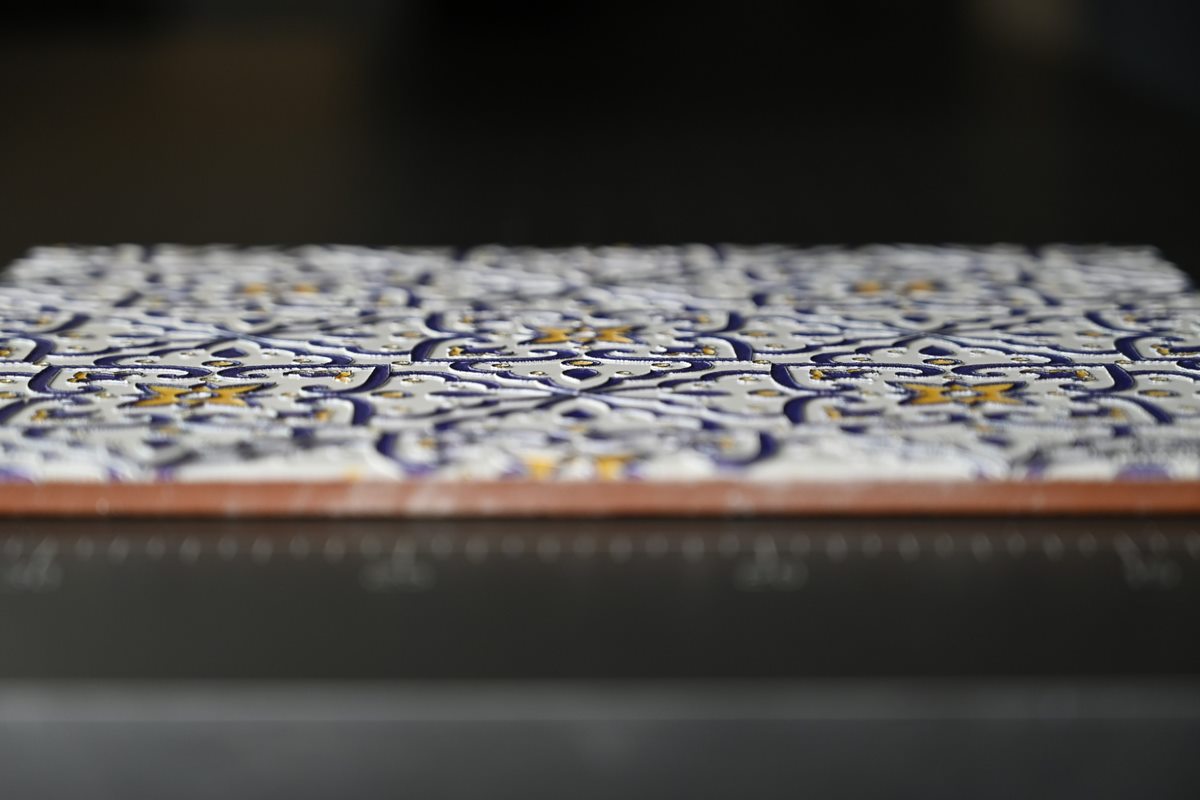
White ink, spot varnish and raised printing
- White underlayer – a layer beneath the color on glass, acrylic and dark plastics. The color of the substrate has less effect on the colors of the graphic.
- White as a color – lettering and lines on a black case or dark wood.
- Spot varnish – gloss only on a logo, lettering or part of the design, or varnish over the whole surface.
- Raised textures – several layers of ink and varnish produce a print that can be felt with the fingertips: painting texture, a raised logo, Braille markings. Our customers produce such markings, e.g. for public offices and institutions.
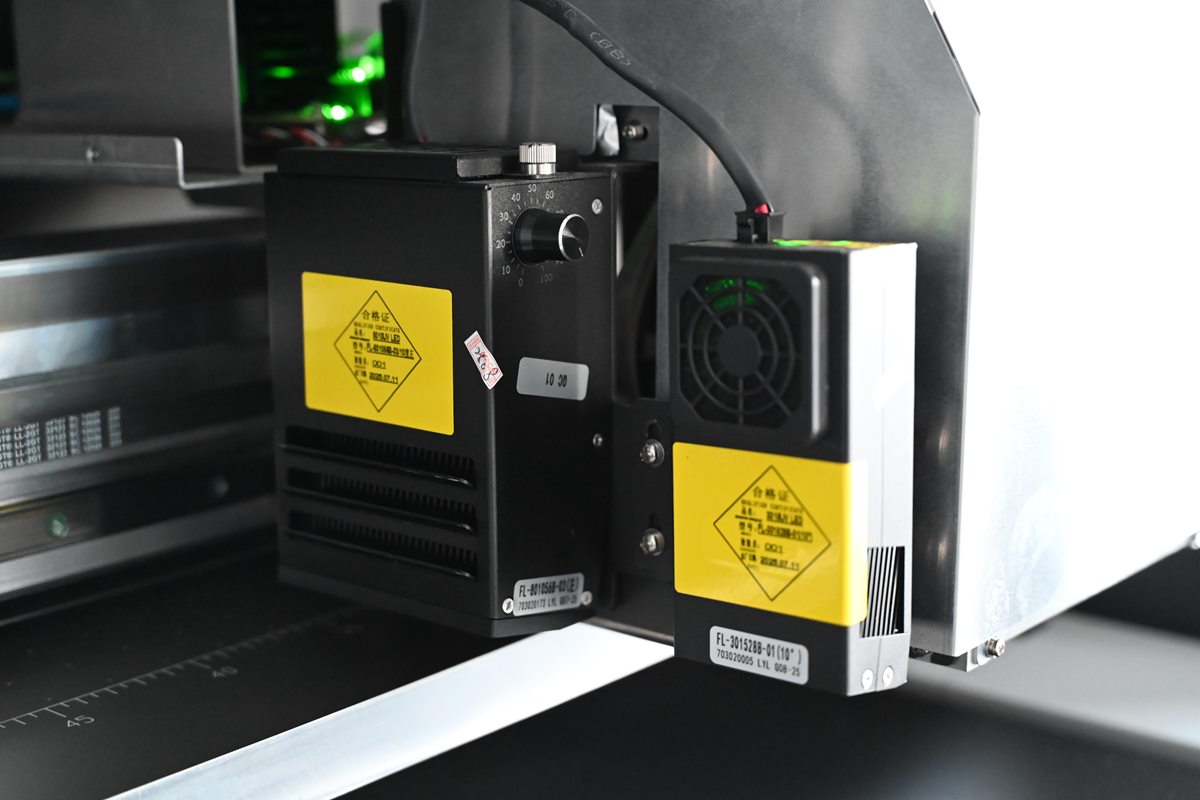
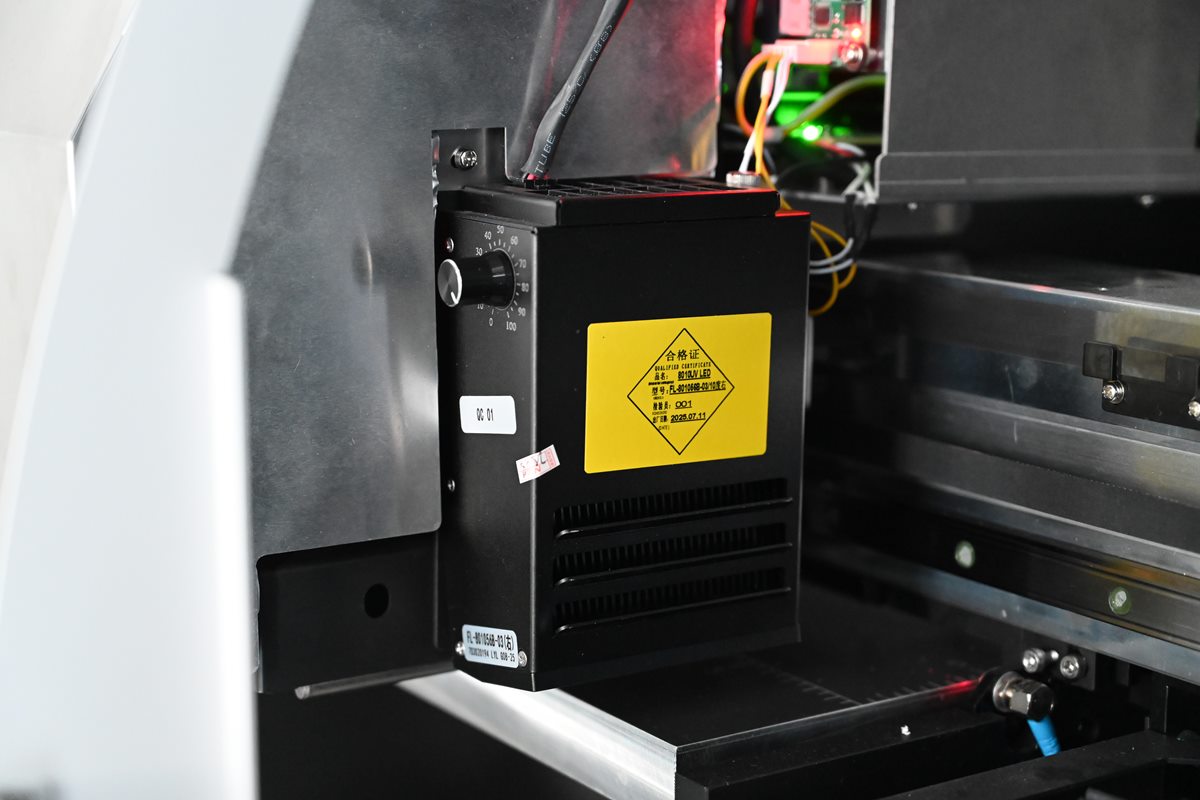
The ink is cured by UV LED lamps on the carriage: separate ones by the color and white printheads and a small lamp by the varnish. Each extra layer makes printing longer.
Ink system – gravity feed and level monitoring
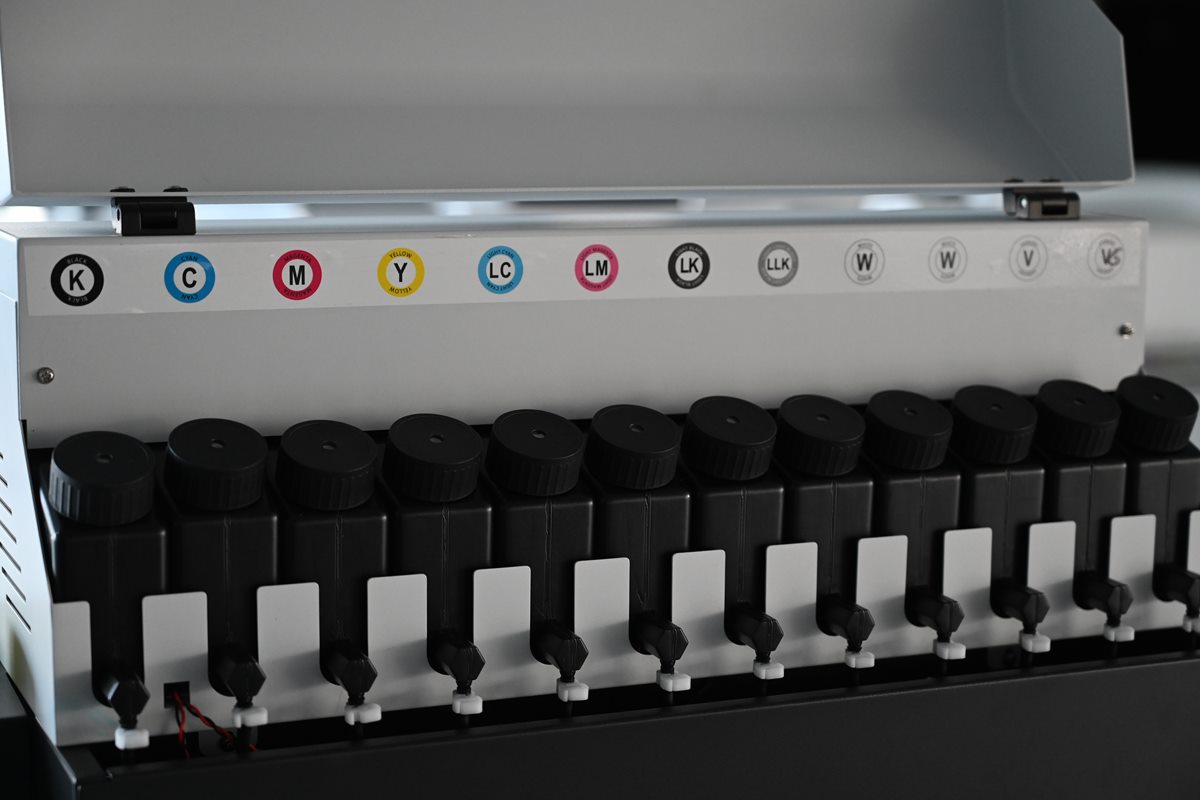
The PRO MAX II uses a gravity ink feed, without an active negative pressure system. UV ink is poured from 500 ml bottles into labeled tanks and flows through ink lines to the dampers and printheads. The dampers stabilize ink pressure and flow, so the printheads work in steady conditions.
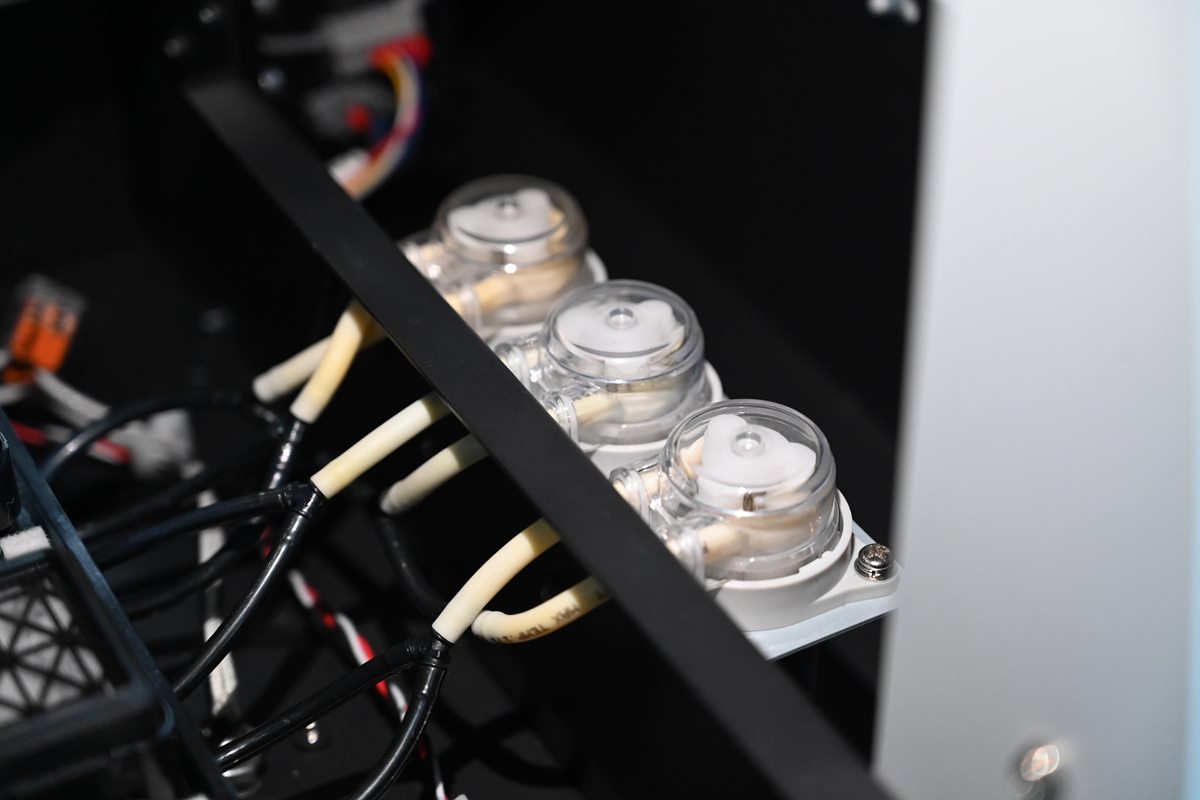
When the system is filled and the printheads are cleaned, a pump draws ink through the nozzles into the capping station. After work the printheads park on the caps, which seal the nozzle surface and limit ink drying in the nozzles. Waste ink drains into a concealed container, and when it is full, the printer displays a message that it needs emptying.
The printer monitors the ink level itself. When a tank runs low, an LED lights up and a beep sounds. Printing does not have to stop – it is a reminder to top up the tank before the level gets too low. Pegasus UV inks for this printer are in the UV inks category.
Printer design and safety features
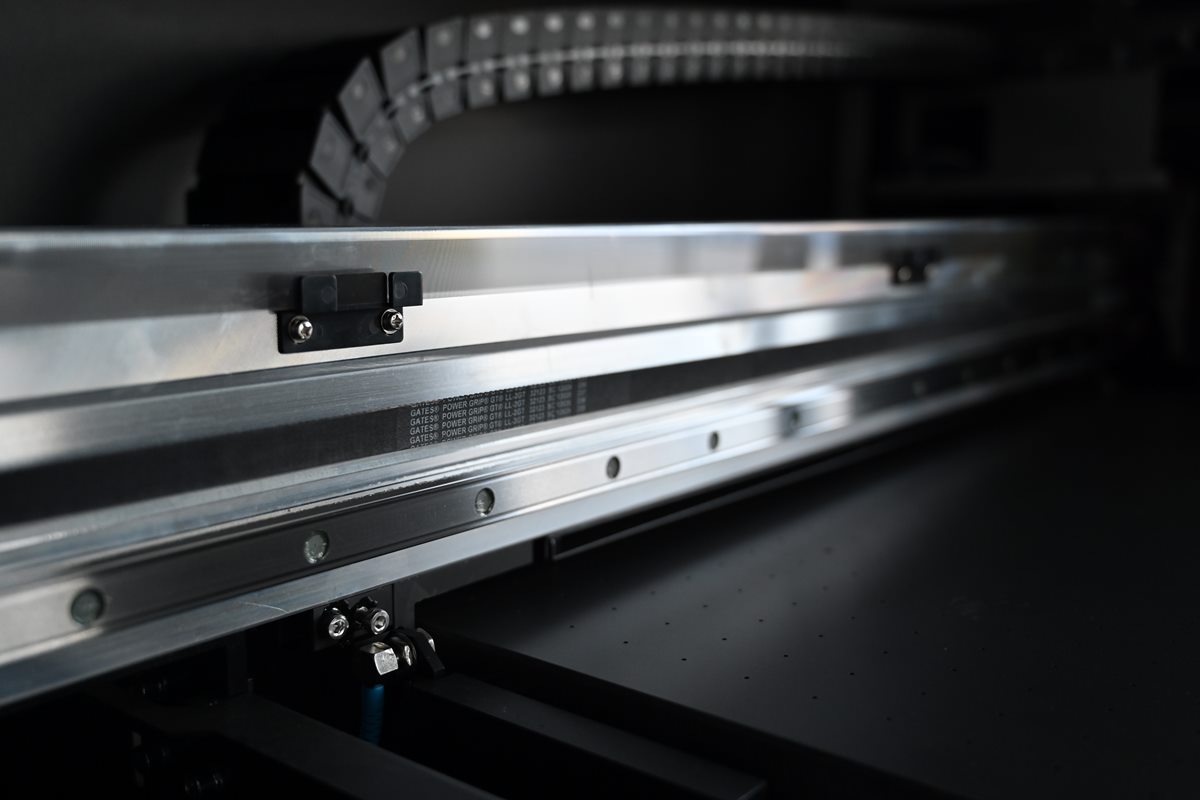
Linear guide and ball screw
The carriage runs on a linear guide and the table is driven by a ball screw. Movement is accurate and repeatable, which matters for multi-layer prints.
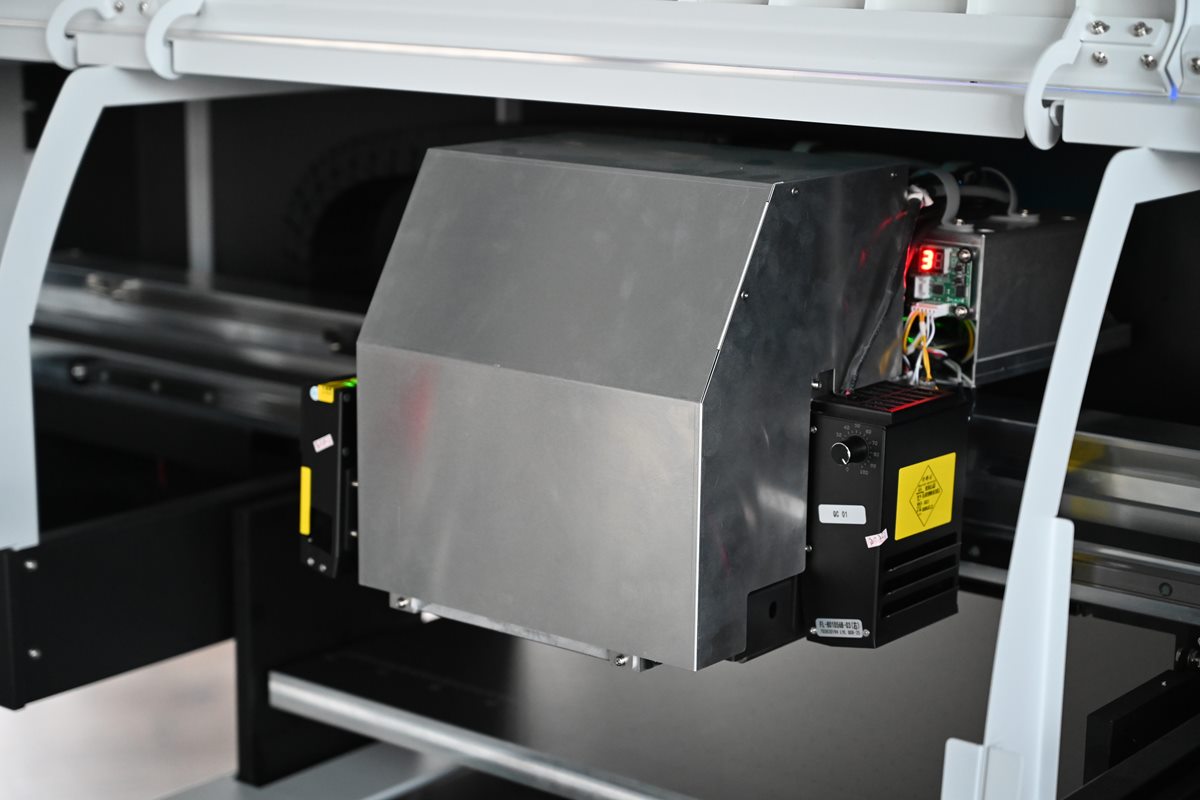
Ink heating
In a cooler room the carriage cover warms the ink so that temperature changes do not affect the nozzles.
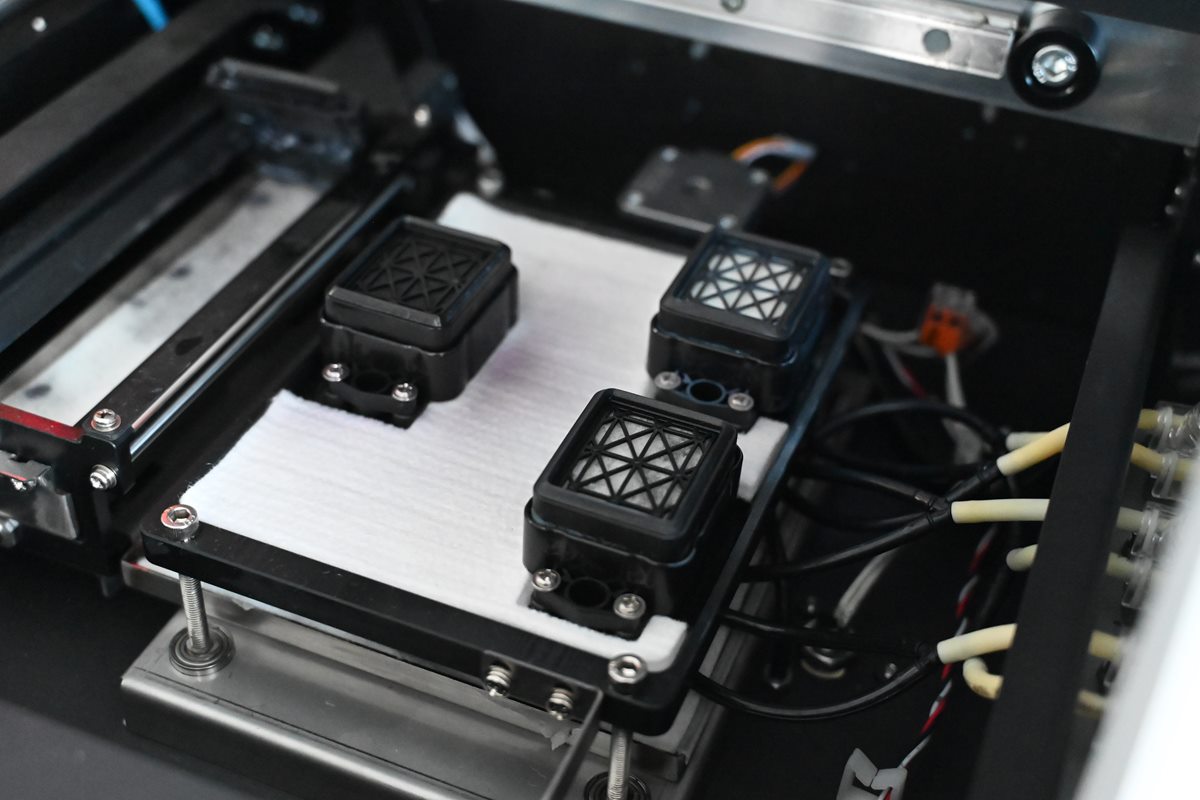
Capping station
Three caps, one per printhead, protect the nozzles from drying out between jobs. Printhead cleaning also takes place in the station.
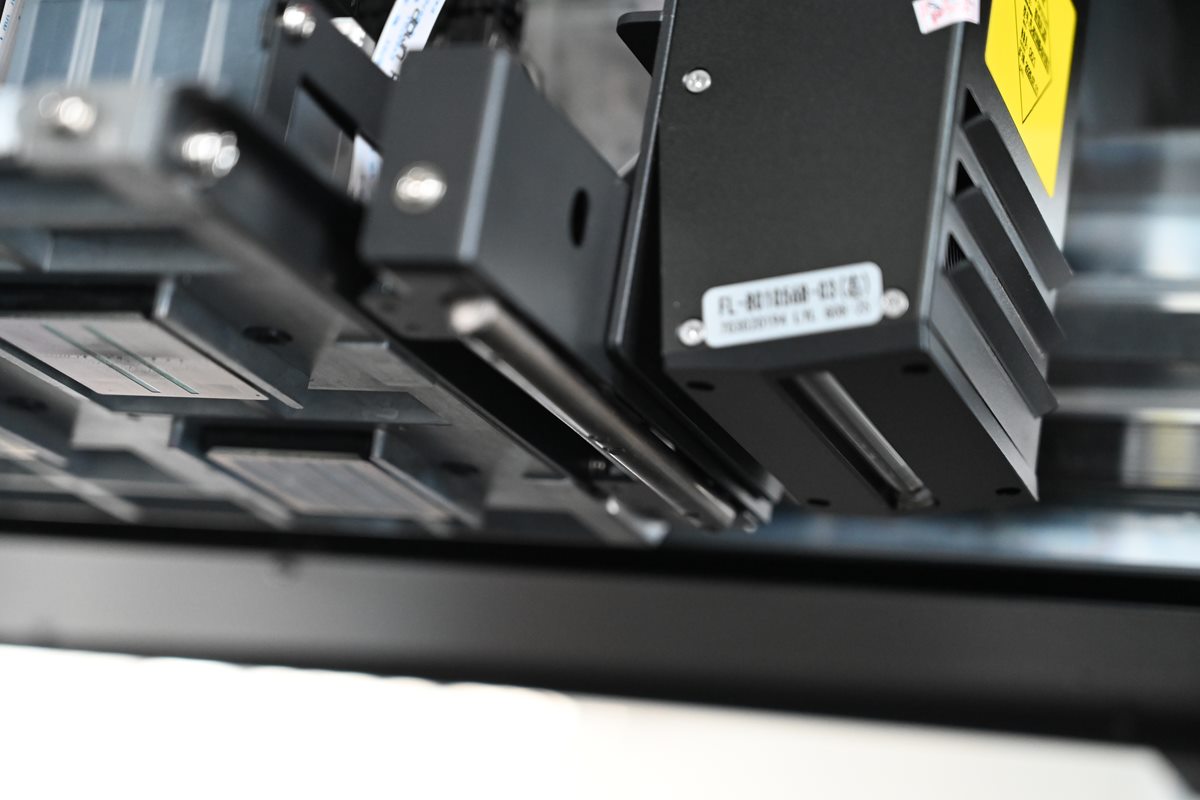
Collision protection
A bumper by the carriage stops the printer on contact with an item that is too high or has shifted on the table.
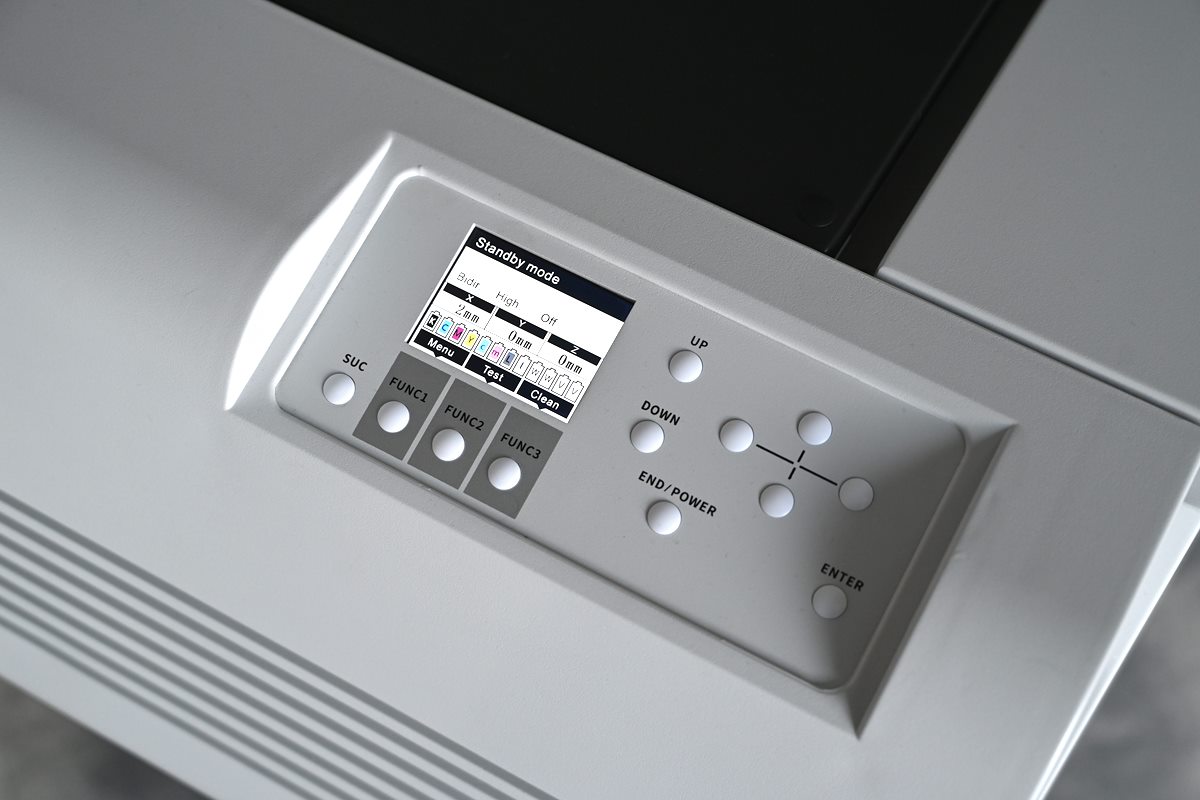
Control panel
Pull-out panel with a display. Nozzle check, printhead cleaning and basic functions are available without going to the computer.
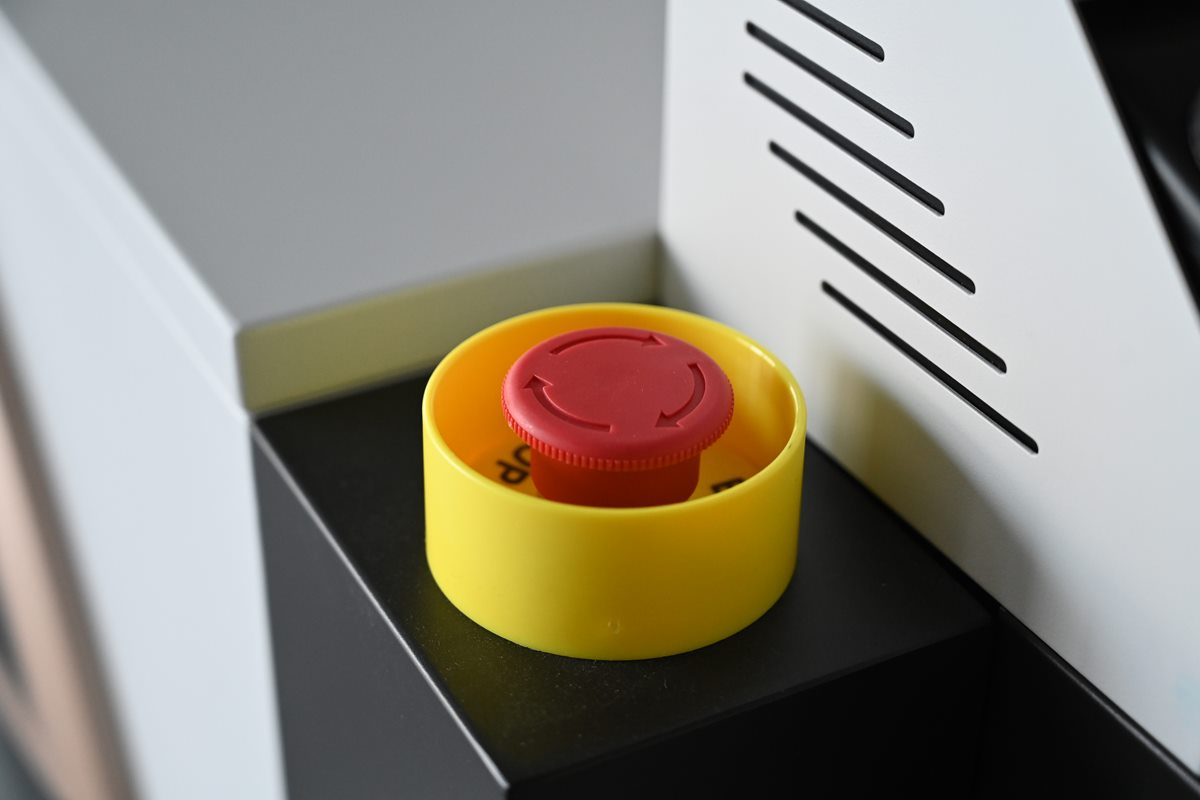
Emergency stop
A button within the operator’s reach stops the machine immediately.
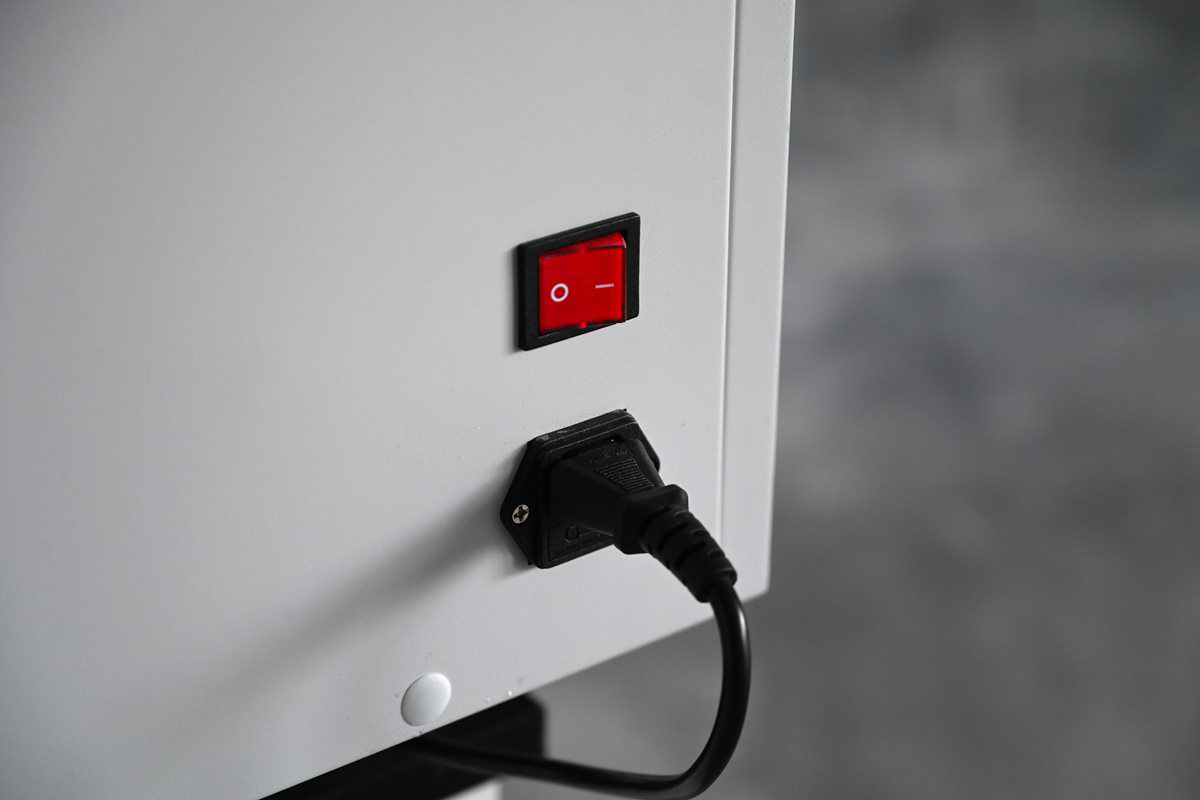
230 V power
The printer plugs into a standard single-phase socket. Rated power is 245 W, so no dedicated electrical installation is needed.
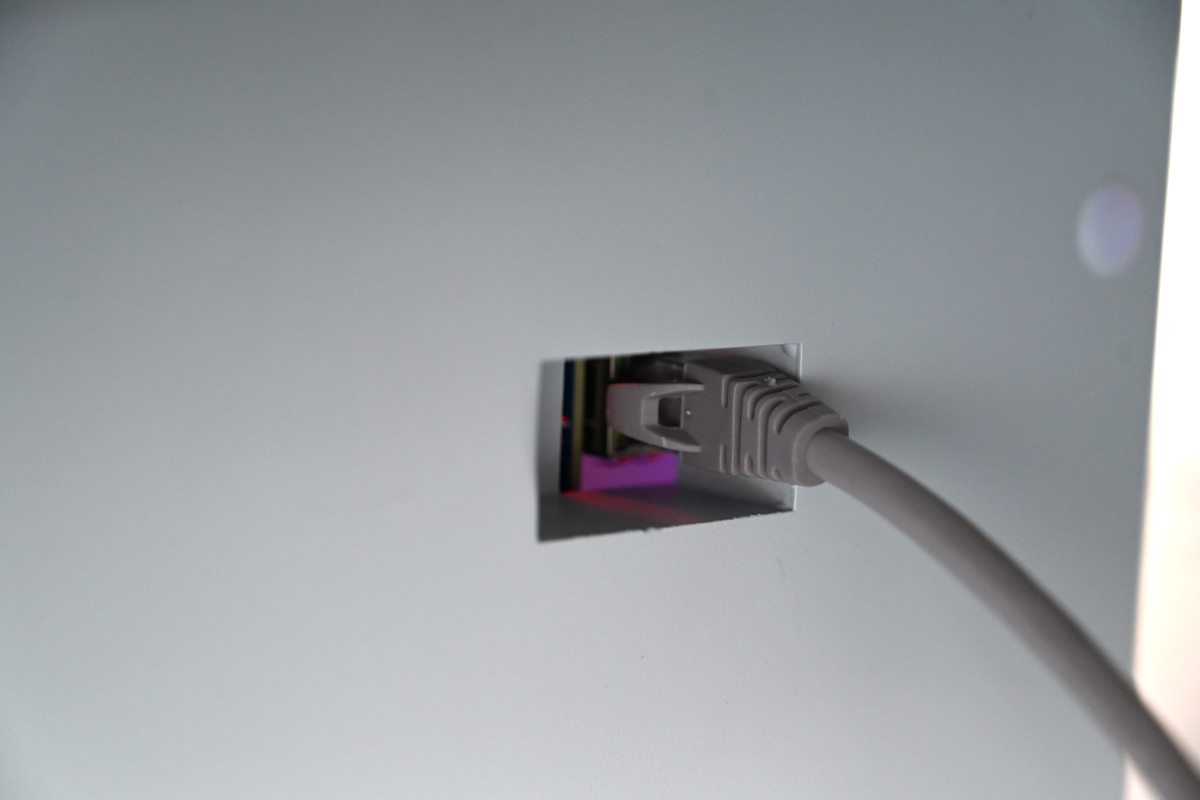
LAN connection
The printer connects to the control computer with a network cable via an RJ-45 port (Gigabit Ethernet).
SAi FlexiPRINT RIP software
Software for job preparation and print control: print mode, white ink and varnish layers, layout of graphics on the table. Accepts PDF, TIFF, JPG, PNG, AI and EPS files.
BASIC, PLUS and ULTRA packages – what they include
The printer is the same in every package. The packages differ in the number of printheads and in additional equipment. Each includes training with color profiling, a 12-month warranty and 12 months of online support.
-
01BASIC
CMYK + W: color and white ink on two printheads, no varnish.
PLN 64,900 net
Pegasus MAX BASICpage of the previous MAX series
-
02PLUS
CMYK + W + V: color, white ink and varnish on three printheads, with a printer stand.
PLN 73,900 net
Pegasus MAX PLUSpage of the previous MAX series
-
03ULTRA
CMYK + W + V as in PLUS, plus a computer, a rotary attachment for bottles and a UV DTF laminator.
PLN 79,900 net
Pegasus MAX ULTRApage of the previous MAX series
| Package | BASICCMYK + W | PLUSCMYK + W + V | ULTRACMYK + W + V |
|---|---|---|---|
| Printing | |||
| Epson i3200 printheads | 2 | 3 | 3 |
| Spot varnish and varnish textures | no | yes | yes |
| Inks included | |||
| CMYK color | 500 ml | 500 ml | 1 l |
| White (W) | 1 l | 1 l | 2 l |
| Varnish (V) | no | 1 l | 2 l |
| Equipment | |||
| FlexiPRINT RIP software | yes | yes | yes |
| Cleaning kit | yes | yes | yes |
| UPS 2000 VA | yes | yes | yes |
| Printer stand | no | yes | yes |
| Control computer with Windows 11 | no | no | yes |
| Rotary attachment for bottles and mugs | no | no | yes |
| UV DTF laminator and sticker films | no | no | yes |
| Services | |||
| Delivery, installation and training (Poland) | yes | yes | yes |
| Warranty and online support | 12 months | 12 months | 12 months |
Printing on bottles and UV DTF stickers
Rotary attachment in the ULTRA package
A motorized holder rotates the item under the printheads, so the print covers the full circumference. It takes bottles, travel mugs, thermos bottles and tubes 30–120 mm in diameter and 40–430 mm long. On cylindrical items the PRO MAX II prints color and white ink, without varnish. One piece takes 3–20 minutes, depending on the size of the graphic and the mode.
For batch printing on bottles, where the time per piece matters, the PEGASUS ELF Mini and PEGASUS ELF are a better fit: a print takes about 30 seconds on them.
UV DTF transfer stickers
The graphic is printed on film A, covered with film B in the laminator and transferred onto the item like a sticker: onto a curved housing, packaging or a spot the printhead cannot reach. The ULTRA package includes a 380 mm wide UV DTF laminator with heating up to 160 °C. For the other packages the same UV DTF laminator can be bought separately, and the films are in the UV DTF materials category.
PRO MAX II or another PegasusUV model?
- PEGASUS AXIS 5th Gen has the same 60 × 90 cm table and 18 cm height, but uses Epson i1600 printheads. It is the more affordable choice for smaller volumes.
- PEGASUS AXIS SH prints items up to 33 cm high.
- PEGASUS MATRIX 1314 has a 130 × 140 cm table for large boards, panels and signs.
Included in every package
Delivery, installation and training included with the printer
We deliver, set up and calibrate the printer on site, then train the operators on their own jobs.
Delivery, installation, start-up and training within Poland are included in every package: BASIC, PLUS and ULTRA.
- 01
Delivery and setup
Transport of the printer, positioning and leveling at the workstation.
- 02
Start-up and calibration
Filling the ink system, calibrating the printheads and print settings, color profiles, and setting up the computer and FlexiPRINT software.
- 03
Operator training
File preparation, printing with white ink and varnish, laying out items in jigs, daily maintenance and basic troubleshooting.
- 04
12 months of online support
Remote help with settings, file preparation and print quality, followed by ongoing contact with the PegasusUV technical team.
Technical specifications
| Print area | 600 × 900 mm |
|---|---|
| Maximum material height | 180 mm |
| Printheads | 3 × Epson i3200* |
| Ink configuration | CMYK + White + Varnish |
| Print modes | CMYK + W / CMYK + W + V |
| Resolution | 720 × 1200 / 1800 / 2400 dpi |
| Printing the 60 × 90 cm area by print mode | fast: 1.5–12 min720 × 1200 dpi, 4 PASSstandard: 7–17 min720 × 1800 dpi, 6 PASShigh quality: 9–23 min720 × 2400 dpi, 8 PASS |
| Droplet size | variable, from 3.8 pl |
| Printhead height above material | 2–8 mm |
| Curing | 3 UV LED lamps (by the color, white and varnish printheads) |
| Printhead protection | anti-collision bumper by the carriage |
| Printhead cleaning | automatic, capping station |
| Drive | X axis – linear guide, Y axis – ball screw |
|---|---|
| RIP software | SAi FlexiPRINT 22 |
| File formats | PDF, TIFF, JPG, PNG, AI, EPS |
| Computer connection | LAN, RJ-45 port |
| Power supply | single-phase, AC 220/110 V, 50/60 Hz |
| Rated power | 245 W |
| Recommended operating temperature | 22–28 °C |
| Relative humidity | 35–65% |
| Environment | dust-free room without direct sunlight |
| Printer dimensions (L × W × H, without stand) | 1637 × 1676 × 792 mm |
| Net weight | 188 kg |
| Stand (PLUS, ULTRA) | 720 × 1370 × 550 mm, load capacity over 200 kg |
| Rotary attachment (ULTRA) | diameter 30–120 mm, length 40–430 mm, color + white |
* The table applies to the PLUS and ULTRA packages. In the BASIC package the printer has 2 Epson i3200 printheads and prints CMYK + W, without varnish.
The time of about 1.5 min in fast mode applies to printing the whole 60 × 90 cm area bidirectionally, with CMYK color only, without white ink or varnish. Other times depend on the size of the graphic, the print direction and the channels used. Extra layers of white ink and varnish, raised textures and the 8-color configuration make printing longer.
The price includes the 60 × 90 cm UV printer in the chosen package plus delivery, installation, start-up and operator training within Poland. The control computer is included only in the ULTRA package.
Frequently asked questions (FAQ)
Which PEGASUS PRO MAX II UV printer package should I choose: BASIC, PLUS or ULTRA?
BASIC is enough when the jobs are color with a white underlayer: promotional products, cases, plates, prints on glass and acrylic. It has no varnish printhead and no printer stand.
PLUS is the choice when customers order spot varnish, gloss on logos or raised textures, e.g. for packaging, cosmetics and premium promotional products. It also includes a printer stand.
ULTRA is for companies that, besides flat items, decorate bottles, mugs and thermos bottles or want to make UV DTF stickers. A control computer is included.
We help choose the package for specific jobs: +48 507 126 997 or info@pegasusuv.com.
Which materials can the PRO MAX II UV printer print on?
The printer prints directly on acrylic, glass, aluminum and other metals, plastics, wood, plywood, leather, paper, cardboard and ceramics, among others. Most often it works on finished items: promotional products, cases, packaging, plates and tiles.
Ink adhesion depends on the material, its coating and surface preparation, so we recommend a test print on any new material. The printer does not print on textiles and clothing: UV ink forms a stiff layer on them that does not stand up well to washing. For clothing there are DTF printers.
How fast is the PRO MAX II and is it suitable for batch production?
Times are given for the whole table, because batches are laid out on it. The shortest time, from about 1.5 minutes per table, is fast mode: 720 × 1200 dpi, 4 PASS, bidirectional printing, CMYK color only, without white or varnish. It suits simple prints in large batches. Otherwise, the mode ranges from the table are a guide: 1.5–12, 7–17 and 9–23 minutes per table.
Example: with 40 keyrings on the table and standard mode taking 7–17 minutes, one piece takes about 10–25 seconds. On top of that comes the time to lay out and remove the items, which jigs shorten. For a specific product we can estimate the output and propose a layout on the table.
Does UV printing on glass and metal require a primer?
Often it does. Glass, metal, some plastics and lacquered surfaces have poor adhesion, so a primer (adhesion promoter) is applied before printing. Many materials, e.g. wood or cardboard, are usually printed without it.
The surface must be clean, dry and degreased. Before batch production it is worth checking adhesion and print durability on the target substrate. We help choose the primer and degreaser for a specific material.
What computer does the printer need?
We recommend: Windows 10 or 11 (64-bit), an Intel Core i5 12th generation processor or newer, 16 GB RAM, a disk of at least 512 GB, a monitor of 1280 × 1024 or larger and a Gigabit Ethernet network card.
In the ULTRA package the computer is included. With BASIC and PLUS the customer’s own computer can be used, and we check before installation that it meets the requirements.
How much space and what power supply does the printer need?
The printer measures 1637 × 1676 × 792 mm and weighs 188 kg. In the PLUS and ULTRA packages it stands on a 720 × 1370 × 550 mm stand with a load capacity of over 200 kg. During operation the table moves back and forth and the depth of the machine then reaches 1920 mm, so free space is needed in front of and behind the printer. A workstation with a computer next to it is useful.
A standard single-phase socket is enough; rated power is 245 W. The room should be at 22–28 °C with 35–65% humidity, free of dust and direct sunlight.
Which programs can be used to prepare graphics for UV printing?
The printer is controlled by the SAi FlexiPRINT 22 RIP software, which accepts PDF, TIFF, JPG, PNG, AI and EPS files. Graphics can be prepared in any program that saves these formats, even in Canva for simple designs.
A white underlayer, spot varnish and raised textures need separate layers, so in our experience the most convenient programs are Adobe Photoshop, CorelDRAW and Adobe Illustrator. Preparing such files is covered in the training.
What service and warranty does the printer come with?
The printer warranty is 12 months, and every package includes 12 months of free online support. The warranty does not cover the printheads, as their wear depends on how the printer is used. However, we consider every printhead claim individually.
Help usually starts with a phone consultation or remote diagnostics via a connection to the control computer. Most issues with settings, files and print quality are solved without a technician’s visit.
When a visit is needed, in urgent cases we try to send a technician even the same day, depending on the location and the type of fault. Inspections and planned visits are usually scheduled within 1–5 working days.
Service requests: +48 507 126 997, +48 507 695 835 (also WhatsApp) or info@pegasusuv.com.
Are UV inks and spare parts available from stock?
Yes. Our regular range includes UV inks in CMYK, white and varnish, primers, degreasers and cleaning fluids. In stock we keep parts such as caps, dampers, wipers and ink pumps, as well as mechanical and electronic parts, from motors to mainboards.
Orders placed before the courier pickup are shipped the same working day. We help choose the part and confirm that it is compatible with the printer.
Can the PRO MAX II UV printer be leased?
Yes. An application can be submitted via the ING form on the product page or on the basis of an individual quotation. We work with ING, Millennium and other leasing companies and help obtain an offer for the chosen package. Leasing through the customer’s own bank is also possible.
The instalment depends on the order value, the down payment, the financing period and the residual value. The terms and the decision are set by the financing institution.
Where can I see the PRO MAX II before buying?
In the PegasusUV showroom in Góra Kalwaria near Warsaw. We show the printer at work, file preparation, laying out items on the table and prints with white ink and varnish.
By prior arrangement we make a test print on the customer’s material during the demonstration. Demonstrations can be booked at +48 507 126 997 or via info@pegasusuv.com.
Can I send my own material for a UV test print?
Yes. We also make test prints on customers’ items without a showroom visit. It is enough to describe the planned application and arrange with us the shipment of samples and the graphic design.
A sample shows color reproduction, graphic detail, white ink and varnish effects and initial adhesion. For unusual materials we also test different ways of preparing the surface, including primer.
Printer demonstration and package selection
Showroom demonstration
A demonstration of the PRO MAX II at the PegasusUV showroom in Góra Kalwaria. By prior arrangement we will make a test print on the customer’s item.
Book a demonstration: +48 507 126 997Quotation for the chosen package
Based on the planned jobs we will recommend BASIC, PLUS or ULTRA and prepare a quotation, including leasing.
Request a quotation: info@pegasusuv.com- Phone / WhatsApp +48 507 126 997, +48 507 695 835
- Contact form
PegasusUV also offers other UV printers: larger models for boards, printers for taller items and for batch printing on bottles.
Related products